The 35% of Bookings You're Missing: How to Capture After-Hours Appointments with an Online Booking Page
July 10, 2026, 11:17 PM
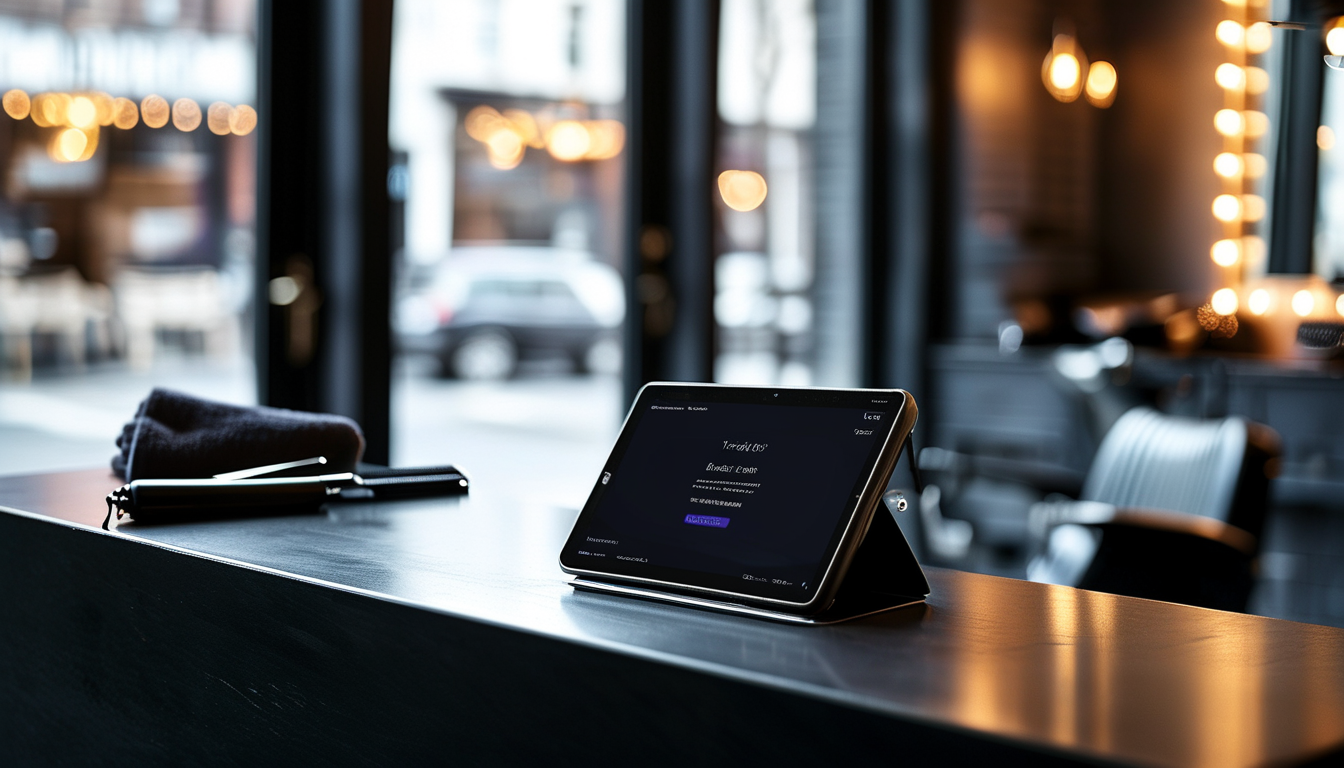
Your Shop Closes. Your Clients Don't Stop Wanting Haircuts.
It's 10:47 on a Tuesday night. One of your regulars just checked himself out in the mirror, decided he needs a fresh cut before a job interview on Friday, and pulled out his phone. If you have an online booking page, he books in thirty seconds and goes to bed. If you don't, he either texts you into a void, calls a shop that does have one, or just waits — and sometimes that wait turns into a cancellation you never knew you lost.
Industry data from Shortcuts' annual booking analysis puts a number on this problem: 35% of client bookings happen outside business hours. That is not a rounding error. For a shop doing forty appointments a day, that is the equivalent of fourteen appointments happening — or not happening — while you are nowhere near a phone. Getting that revenue does not require hiring a receptionist to work overnight. It requires setting up your online booking page correctly and letting automation do the rest.
This guide walks you through exactly how to do that in VuriumBook, step by step, so that by the time you lock up tonight, your calendar is already working for tomorrow.
Why After-Hours Bookings Are a Bigger Deal Than Most Owners Realize
Most shop owners think about lost revenue in terms of no-shows and slow Mondays. After-hours booking gaps rarely show up on a report because the appointments simply never exist — there is nothing to measure. A client who wanted to book at 11 p.m. and couldn't is invisible in your data.
What is not invisible is the competitive pressure. Online booking is now the norm across the salon and barbershop industry. Clients, especially under forty, treat the ability to book on their own schedule the same way they treat Wi-Fi: expected, not impressive. A shop that forces them to call during a nine-to-five window is asking them to work around you rather than the other way around.
The good news is that fixing this is straightforward. VuriumBook's online booking page is designed specifically for barbershops and salons, and the setup process does not require any technical background. You need to make a handful of decisions, configure them once, and the system handles the rest every single night going forward.
Step 1 — Build a Booking Page That Does the Selling for You
Your online booking page is often the first real interaction a new client has with your shop. It needs to be clear, fast, and reassuring. In VuriumBook, the booking page shows your services, your team, and your available times — all pulled directly from your calendar in real time so clients never book a slot that does not exist.
A few things to get right when you build it out:
- List every service with a clear name and accurate duration. Vague labels like "haircut" do the job, but specifics like "fade with lineup" or "kids cut" help clients self-select and reduce back-and-forth messages asking what you offer. Duration matters because it blocks the right amount of time on your calendar automatically.
- Enable barber selection if your clients are loyal to specific stylists. Clients who book with a specific person are more likely to show up and rebook. Giving them that choice online reinforces the relationship and reduces the chance they go elsewhere just because their usual barber's availability was not obvious.
- Use your website builder to make the booking page findable. VuriumBook includes a website builder, which means your booking page can live on a real URL you can put in your Instagram bio, Google Business Profile, and anywhere else clients look you up. The shorter the path from "I want a cut" to "I have a confirmed appointment," the more after-hours bookings you capture.
After-Hours Booking Flow
Step 2 — Turn SMS Reminders into a No-Show Shield
Capturing an after-hours booking is only half the equation. A 1 a.m. appointment request from someone who was half-asleep carries a higher no-show risk than one booked at noon. The antidote is an automated SMS reminder sequence.
VuriumBook's SMS reminders go out automatically after a booking is confirmed and again before the appointment time. You do not need to remember to send them, and you do not need a staff member to manage the queue. The system handles it.
Here is how to make your reminders work harder:
- Send a confirmation message immediately after booking. An instant confirmation text does two things: it reassures the client that their appointment is real, and it starts building the mental commitment that reduces no-shows. The moment someone receives a confirmation, the appointment moves from a vague intention to a scheduled event on their phone.
- Schedule a reminder twenty-four hours out. This is the most effective window for the reminder to actually change behavior. It gives clients enough time to reschedule if something came up without ghosting you, which means you can fill the slot with someone else.
- Consider a same-day reminder a few hours before. For high-traffic days — Fridays and Saturdays in summer are typically your busiest — a same-day reminder catches clients who forgot and nudges them to confirm or give you a heads-up. Every cancellation you hear about with four hours of notice is one you can fill from your waitlist.
SMS Reminder Setup Checklist
Step 3 — Use the Waitlist to Fill Every Gap That Opens Up
After-hours bookings sometimes land in slots that are technically full — a client wants your top barber on Saturday morning and every chair is taken. Without a waitlist, that client either picks a less preferred time or leaves. With VuriumBook's waitlist feature, they can add themselves and get notified automatically when a cancellation opens up.
This matters especially in summer, when schedules shift and last-minute cancellations are common. A waitlist turns a lost appointment into a recovered one without any manual work on your part. The slot does not sit empty; it gets filled by someone who was already waiting for it.
The practical move here is to make sure your team knows the waitlist exists and understands that when they accept a cancellation, the system handles the outreach. There is no need to scroll through a group chat asking who wants the spot.
Step 4 — Let Client Records Make Every Return Visit Feel Personal
One of the quieter benefits of online booking for barbershops is what happens in the background every time someone books: VuriumBook builds a client record automatically. Service history, preferred barber, contact details — all of it accumulates without any manual data entry.
When a client who booked at midnight shows up for their appointment, their barber already knows what they got last time and when. That continuity is what turns a one-time booking into a regular. It also makes upselling natural rather than awkward — a barber who can see that a client always adds a beard treatment does not need to guess whether to mention it.
Over time, your client records become one of the most valuable assets in your shop. They tell you who your most loyal clients are, who has drifted, and which services are growing. The analytics inside VuriumBook surface that information so you can make decisions based on what is actually happening in your business rather than gut feeling.
Step 5 — Add Gift Cards and Memberships to Maximize the After-Hours Window
Clients browsing your booking page at night are already in a buying mindset. That is a good moment to make other options available. VuriumBook supports gift cards and memberships, both of which can be set up so clients can purchase or sign up directly through your booking flow.
Gift cards are especially relevant heading into the second half of summer, when back-to-school season starts and people begin thinking about gifts. A client who books a cut for himself at midnight might also grab a gift card for someone else in the same session — but only if the option is clearly visible.
Memberships do something different: they lock in recurring revenue. A client who signs up for a monthly membership at 11 p.m. on a Tuesday is not a one-time booking. They are a predictable line on your revenue forecast. Both options work quietly in the background without requiring any additional staff effort once they are set up.
Pulling It All Together: What Your After-Hours System Looks Like in Practice
When all of these pieces are in place, here is what actually happens while your shop is closed:
A client finds your booking link in your Instagram bio or on your Google listing. They open your booking page, see real-time availability, pick their barber and service, confirm their appointment, and optionally pay a deposit or purchase a gift card. Within seconds, they receive an SMS confirmation. Twenty-four hours before their appointment, another SMS reminds them. If they cancel, a client on your waitlist gets notified and fills the slot. When the client walks in, their barber already has their history in front of them.
You did not answer a single message. You did not manually block time on a calendar. You woke up to a full schedule.
That is not a hypothetical scenario. It is what online booking for barbershops looks like when it is configured intentionally rather than set up once and left alone.
The One Thing to Do Today
If you have not yet activated your VuriumBook online booking page, that is the single highest-leverage action you can take right now. Every night you go without it is another set of after-hours clients bouncing off a dead end and booking somewhere else.
If you already have a booking page but have not set up SMS reminders or a waitlist, those are your next two priorities in that order. The booking page captures the appointment. The reminder keeps it. The waitlist rescues it if it falls through. Together, they form a system that runs every night without you — and in a business built on chairs and time, that is as close to free money as it gets.