Barbershop Client Intake Online Booking: Collect the Right Info Before the First Appointment
Why Barbershop Client Intake Online Booking Is Worth Getting Right
Most shop owners think about the booking page as a calendar tool — a way to fill chairs. But every time a new client clicks "Book Now," there is a window of a few minutes when that person is fully engaged and willing to share information. A smart barbershop client intake online booking setup captures the right details in that moment, so your barber walks into the appointment already knowing the client's name, their service preference, any scalp or hair sensitivities they've mentioned, and what brought them in. That is the difference between a generic first cut and a first visit that feels like a second one.
Collecting this information through your booking page is not about gathering data for its own sake. It is about removing friction at every point in the appointment — before the client sits down, during the cut, and when it is time to rebook. This guide walks you through exactly how to set that up using the tools already inside VuriumBook's online booking and shop management platform.
What Information Is Actually Worth Collecting?
Before you decide what to ask, think about what your barbers need to deliver a confident, personalized service from the moment a new client walks through the door. There are three broad categories worth focusing on.
Service and Style Preferences
Ask the client which service they are booking and, where the form allows, whether they have a reference style or a specific request. A new client who writes "taper fade, medium skin fade on the sides, keep the top long" gives a barber a clear starting point. Without that, the first two minutes of every first appointment are spent gathering the same information verbally — under time pressure, with other clients watching.
Hair and Scalp Considerations
Sensitivities matter both for client safety and for the quality of the result. A brief question about scalp conditions, product allergies, or any previous reactions to certain treatments takes seconds to answer online but can prevent an uncomfortable chair-side conversation or, worse, an irritated client. Keeping this information in the client record also means your barbers do not have to ask again at the second appointment.
Contact and Communication Preferences
A valid mobile number is non-negotiable for SMS reminders. According to Zenoti's 2024 Salon and Spa Consumer Survey, more than 80 percent of salon and spa customers want to use their phones to book and receive reminders — which means collecting this at booking is exactly what clients expect. Note whether the client has a preferred name they want used in messages, and whether they are comfortable with text communication. That single preference data point makes every future SMS feel less like a blast and more like a message from someone who knows them.
[[checklist title="New Client Intake: Keep or Skip" items="+ Ask for service or style preference before the appointment; + Collect a mobile number for SMS confirmations and reminders; + Include one question about scalp sensitivities or product allergies; + Note a preferred name if different from the booking name; - Avoid long intake forms that slow down the booking flow; - Skip questions you will never actually reference in the chair"]]How to Set Up the Intake Flow in VuriumBook
The goal is to connect your booking page to your client records so that every answer a new client gives during booking lands in a profile your team can read before the appointment starts. Here is a practical sequence for setting that up.
Step 1: Configure Your Online Booking Page for New Clients
Inside VuriumBook, your booking page is where clients select a service, pick a barber, and choose a time. Make sure your service list is clear and specific — if a client cannot tell the difference between a "haircut" and a "fade and line-up," they will pick the wrong service, which means the appointment length may be wrong and the barber is unprepared. Clear service names are the first act of intake.
When building or refining your booking setup, browse the VuriumBook business guides for additional tips on structuring your service menu and booking flow.
Step 2: Use the Client Notes Field Intentionally
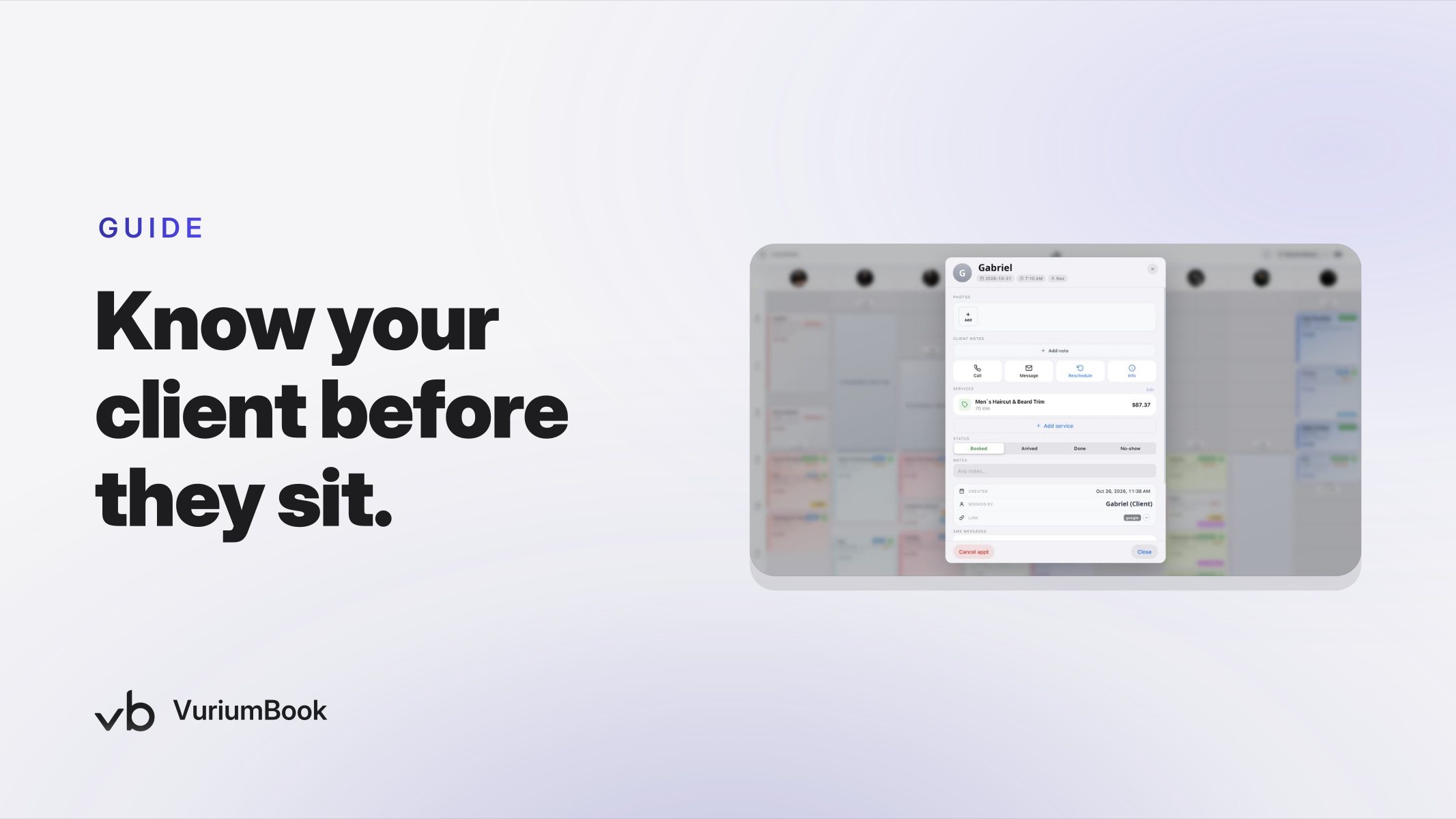
VuriumBook stores a client notes field as part of each client record. Train your team to open that record before the appointment, not after. A barber who reads the intake notes in the 60 seconds before a new client arrives can greet them by name, reference their style request, and avoid asking questions the client already answered. That level of preparation is what clients describe as a shop that "actually listens."
Step 3: Build the Profile During the First Visit, Not After
What the booking page captures is a starting point. The real client profile gets richer during the appointment itself. After the cut, the barber or admin should update the client record with what was done — exact fade level, product used, texture notes, how the client reacted to the style. This takes under two minutes and turns a blank profile into a working document. By the second visit, the barber does not need to ask a single clarifying question.
When that record is complete, it also becomes the foundation for upsell and membership conversations — but the profile has to exist first. Without a proper client record built from the first appointment, there is nothing to act on later.
[[flow title="New Client Intake to Return Visit" items="Booking page collects service preference and contact info|VuriumBook creates a client record automatically|Team reviews notes before the appointment|Barber updates the record with cut details after the visit|SMS reminder goes out before the next appointment using saved preferences"]]Connecting Intake Data to Your SMS Reminder Sequence
One of the most immediate payoffs of a well-filled client record is that your automated SMS reminders can feel personal rather than generic. When VuriumBook sends a confirmation text, it already has the client's name and appointment details. If your record also includes a preferred name or a note about the service booked, the reminder reinforces that this shop knows who they are and what they are coming in for.
Research from Booksy's digital transformation guide for barbers suggests that automated SMS and push notifications can cut no-shows significantly — with best-practice shops sending a confirmation the day before and a shorter "get ready" nudge a couple of hours out. That sequence works best when the phone number in your system is accurate and verified, which brings the argument back to intake: collecting a good mobile number at booking is a no-show prevention strategy, not just a data-collection exercise.
What Happens to That Data After the First Visit
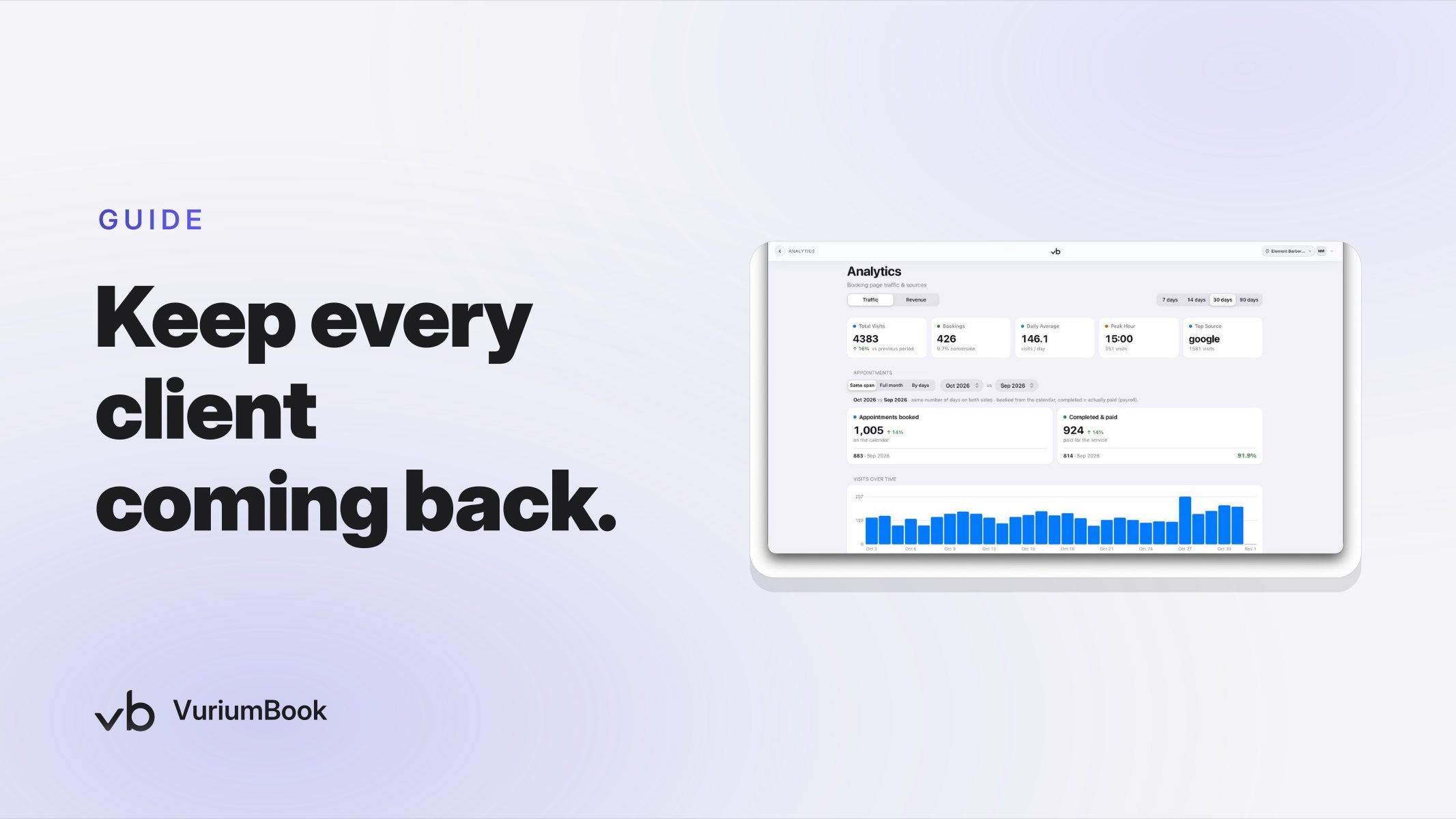
Client records in VuriumBook are not static. They accumulate visit history, service notes, and payment information over time. For a shop owner, that means you can eventually look at a new client's record after two or three visits and know whether they are returning on a regular cycle, which barber they prefer, and what they typically spend. That information feeds into smarter scheduling and retention decisions — though getting to that point requires starting the record correctly on day one.
If you want to understand how this kind of data feeds into broader staffing and scheduling decisions, the post on barbershop staff scheduling based on booking data covers the downstream uses in practical detail.
Common Mistakes That Break the Intake Flow
Even shops with a well-designed booking page can lose the benefit of intake data if the process breaks down between booking and the chair. Here are the most common gaps and how to close them.
Nobody Reads the Notes Before the Appointment
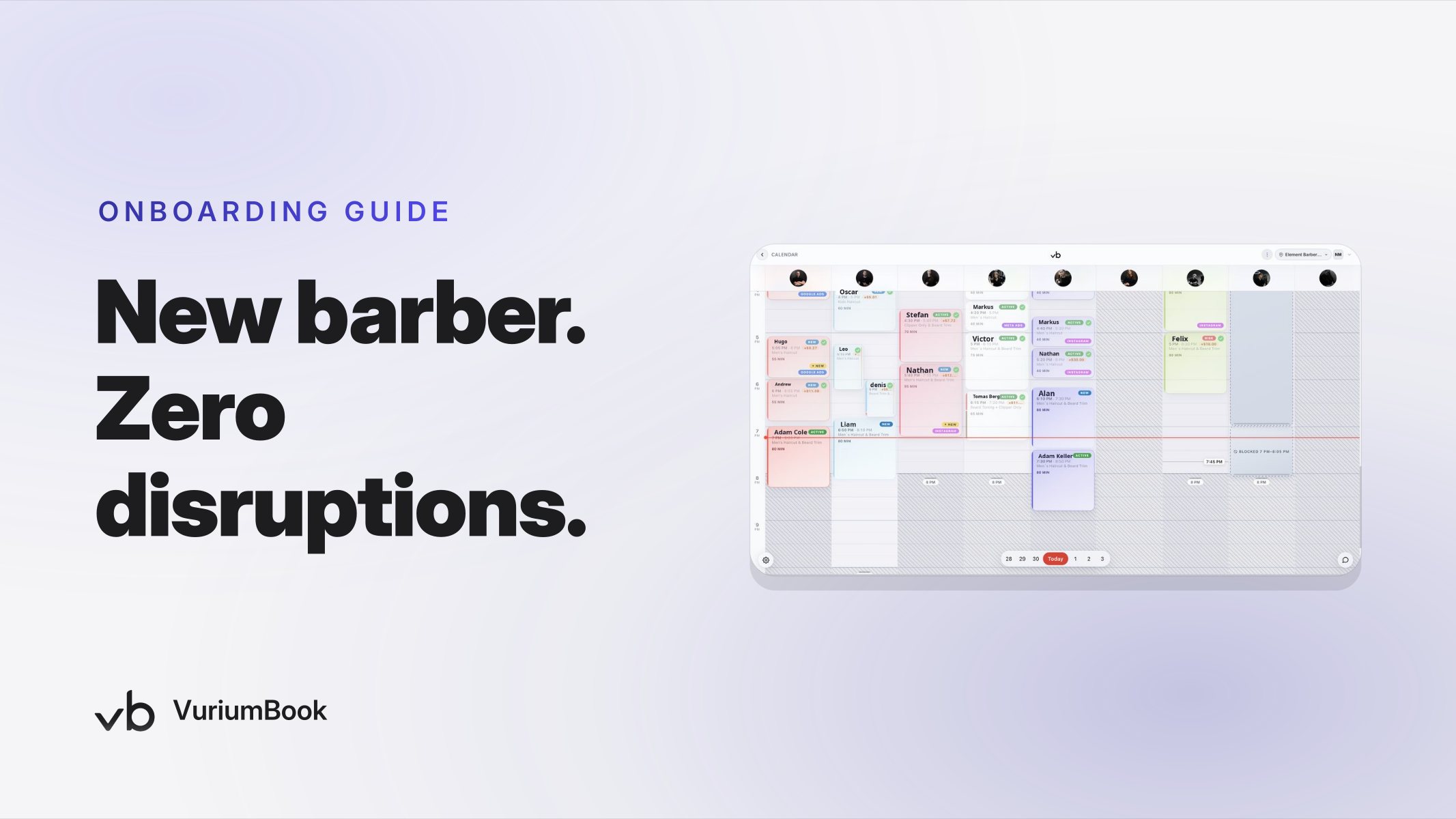
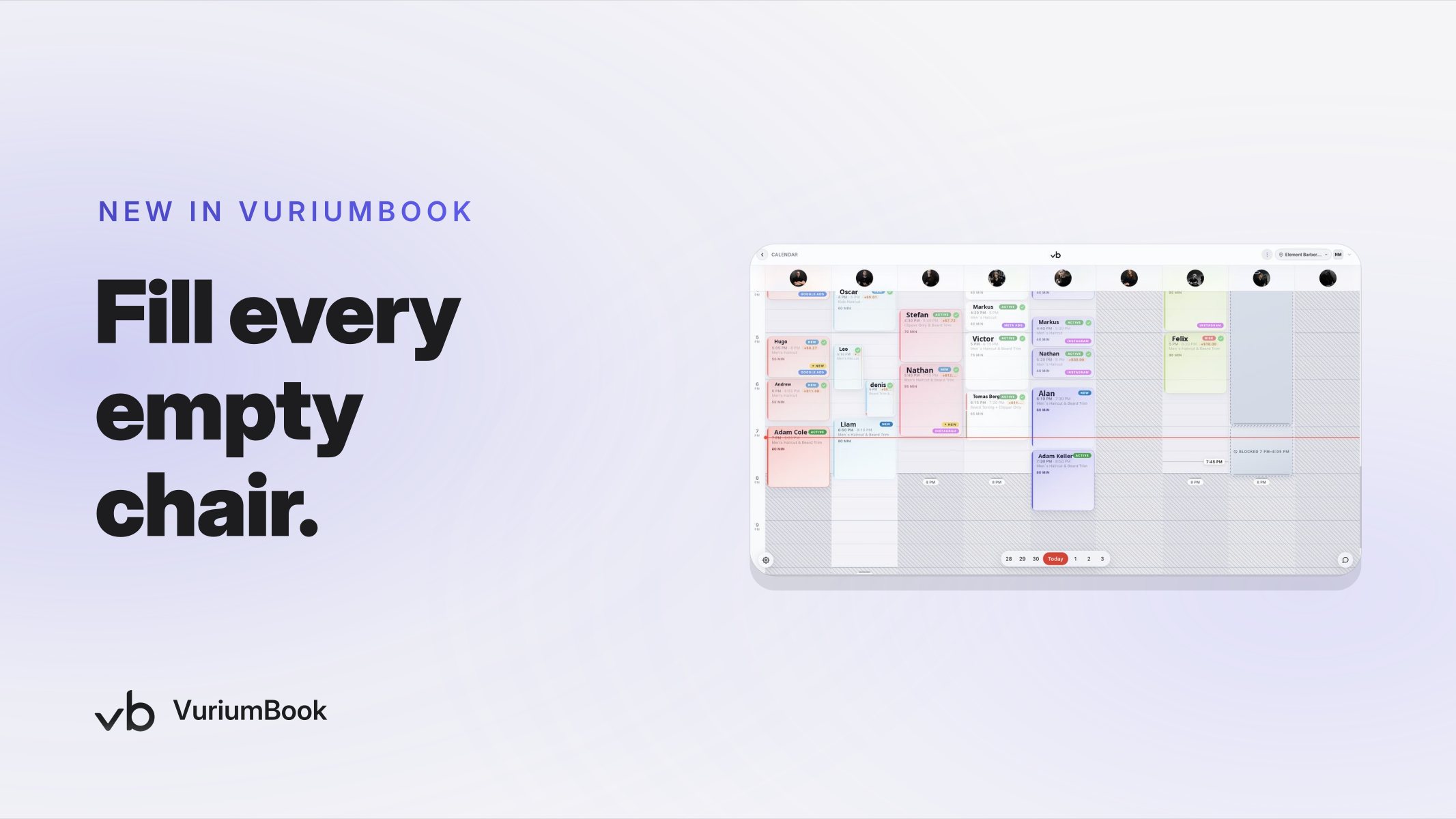
Collecting intake information has no value if barbers do not look at it. Build a simple team habit: check the client record before each appointment, not after. VuriumBook's calendar shows upcoming appointments in sequence, which makes this easy to do during any quiet moment before the client arrives. Use the platform's team messaging to flag priority notes to the right barber when something in the intake needs immediate attention.
The Booking Page Service Names Are Too Vague
If a client books "haircut" when they need a "beard trim and line-up," the intake data is accurate but the appointment is wrong. Specific, descriptive service names on your booking page do double duty: they help clients self-select the right slot, and they make the intake notes meaningful because the barber knows exactly what has been requested before reading a single word of the notes.
The Profile Never Gets Updated After the First Visit
A client record that still shows only the pre-appointment intake notes after five visits is a missed opportunity. Assign someone — a front desk admin or the barber themselves — to add a brief service summary after each appointment. Even two sentences about what was done and what the client asked for next time is enough to make the sixth visit feel as personalized as the first.
Setting Up a New Client for a Second Visit Before They Leave the First
The best time to book a second appointment is before the client walks out of the door. When your intake data is organized and your client record is updated, the rebooking conversation is natural rather than awkward: "Based on what we did today, I'd suggest coming back in about three weeks — want me to put something on the calendar?" The barber is not guessing at a timeline; the service notes tell them exactly how fast the cut will grow out.
You do not need to add pressure to that conversation. A client who has just had a great first visit is already open to returning. The intake data and updated client record give your team the confidence to make a specific, credible recommendation — and that specificity is what separates shops that retain clients from shops that always feel like they are starting over.
If you are ready to build this kind of intake process from the ground up, start a VuriumBook free trial and configure your booking page and client records before your next busy week.