How to Run a Barbershop Re-Engagement Campaign for Lapsed Clients
Why a Barbershop Re-Engagement Campaign for Lapsed Clients Belongs on Your Autumn To-Do List
Autumn is one of the most reliable revenue seasons for barbershops. Back-to-school momentum carries into October, the holiday push starts in November, and clients who drifted away over a laid-back summer often want to look sharp again. That makes right now — mid-September — the ideal moment to look inside your client records and ask a simple question: who haven't I seen in 60 to 90 days, and what would it take to get them back in the chair?
A structured barbershop re-engagement campaign for lapsed clients does not require a marketing budget or a third-party email tool. If you use VuriumBook's online booking and shop management platform, the two features you already have — client records and SMS reminders — are everything you need to build a repeatable, measurable reactivation workflow from scratch.
This guide walks you through every operational step: how to surface dormant clients, how to segment them, and how to send a sequenced SMS outreach that feels personal rather than spammy. By the end, you will have a system you can run every quarter, not just once.
Step 1 — Pull Your Dormant Client List from Client Records
Client records in VuriumBook store the full appointment history for every person who has ever booked with your shop. That history is the raw material for your campaign. Your first task is to filter it so you are looking only at clients whose last confirmed visit falls between 60 and 90 days ago.
Here is why the 60-to-90-day window is the right starting point. A client who visited eight weeks ago is probably still thinking of your shop as their regular barber — they just got busy. A client who has been gone six months is a harder reactivation and may need a different message entirely. Targeting the 60-to-90-day group first gives you the best return on the effort you are about to spend composing messages.
When you review each record, note three pieces of information alongside the last-visit date: the service the client booked, any style notes your barbers logged, and whether the client has ever booked online versus walked in. You will use all three when you write your outreach messages in Step 3.
Build Your Dormant Client List
Step 2 — Segment Before You Send
Not every dormant client deserves the same message. Sending a one-size-fits-all text to 80 people is faster, but it converts at a fraction of the rate you get when the message references something true and specific about the recipient. Spend fifteen minutes segmenting your list into three buckets before you write a single word of copy.
Bucket A — High-frequency regulars who lapsed. These are clients who historically visited every three to four weeks and then stopped. Their absence is unusual. A direct, personal message works well here because the relationship already exists.
Bucket B — Occasional visitors who are overdue. These clients may visit every six to eight weeks on a good stretch, so 90 days is not dramatically out of character — but it is still worth a nudge. A lighter, more casual tone tends to perform better with this group.
Bucket C — Clients who booked once and never returned. These are one-time visitors. They tried your shop but did not develop a habit. This group needs a stronger reason to come back — a mention of something new, an invitation to try a different barber, or a reminder that online booking is quick and easy.
Segmentation at this level does not require a complicated system. A simple note next to each client record — A, B, or C — is enough to guide the messages you write next.
Step 3 — Build a Three-Touch SMS Sequence
A single text message rarely wins back a lapsed client. People are busy, phones are noisy, and one message is easy to miss or dismiss. A structured three-touch sequence — spaced across two to three weeks — dramatically improves your chances without feeling like harassment. Here is how to structure it using VuriumBook's SMS reminders.
Touch 1 — The warm check-in (send on Day 1 of your campaign). This message should feel like it came from a person, not a marketing department. Reference the last service if you noted it in the client record. Keep it under 160 characters. Example approach for a Bucket A client: acknowledge it has been a while, invite them to grab a spot, and include your direct booking link. No discount, no pressure — just a genuine heads-up that the chair is available.
Touch 2 — The value reminder (send 7–10 days after Touch 1, if no booking made). This message does a little more work. Remind the client of something specific your shop offers — online booking convenience, a particular barber they liked, or the fact that the waitlist moves fast and booking ahead avoids the wait. For Bucket C clients, this is a good moment to mention that booking is quick and takes less than two minutes through your online booking page.
Touch 3 — The final nudge (send 7 days after Touch 2, if still no booking). Keep this one short and low-pressure. Let the client know you are thinking of them and that the door is open whenever they are ready. Do not over-sell. Clients who feel chased will not come back — clients who feel remembered often will.
Once a client books after any touch, remove them from the remaining sequence immediately. VuriumBook's calendar updates in real time, so you can cross-reference bookings against your outreach list as responses come in.
Three-Touch SMS Re-Engagement Sequence
Day 1 — Touch 1
Warm personal check-in with booking link
Day 8–10 — Touch 2
Value reminder and a specific reason to return
Day 15–17 — Touch 3
Low-pressure final nudge; leave the door open
Writing SMS Messages That Feel Personal, Not Automated
The single biggest mistake shops make with a lapsed-client follow-up system is writing messages that sound like bulk marketing. SMS is a personal channel. Even when you are sending to dozens of people, each recipient should feel like the message was written for them.
A few practical rules for every message you draft:
- Use the client's first name at the start of the message.
- Reference a specific detail from the client record — the last service, the barber they saw, or a style note your team logged. Even one concrete detail shifts the tone from generic to personal.
- Include your booking link on every touch. Make the path back to the chair frictionless.
- Keep each message under 160 characters when possible. Long texts get skimmed or ignored.
- Avoid all-caps, excessive punctuation, and promotional language that triggers spam filters.
The goal of each message is not to close a sale — it is to restart a conversation. Clients who feel recognized tend to respond. Clients who feel marketed to tend to ignore.
What to Do When Clients Respond
A successful re-engagement campaign generates two types of responses: bookings and replies. Handle both quickly.
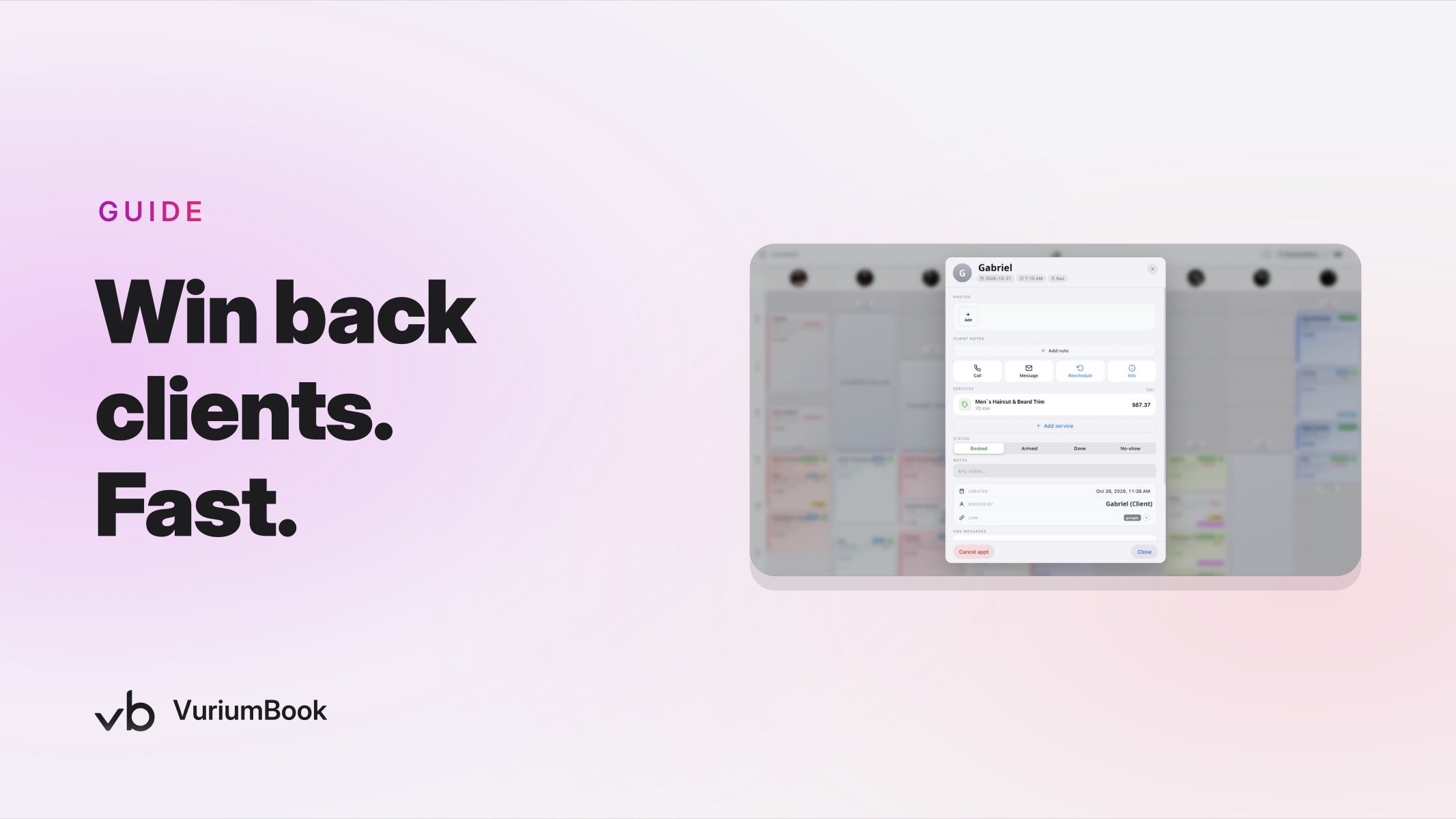
When a client books, the appointment appears on your VuriumBook calendar immediately. Make sure the barber assigned to that slot has access to the client's record before the appointment so they can greet the returning client by name and pick up where the last visit left off. That level of continuity is what converts a one-time return into a genuine reactivation.
When a client replies to the SMS with a question — about availability, a barber, or a service — respond promptly through your shop's messaging. A quick, helpful reply signals that your shop is attentive and worth coming back to. A slow reply, or no reply, confirms any doubts the client may have had about leaving in the first place.
For clients who return, think about what happens next. A re-engaged client who books once is not yet retained. One of the most reliable ways to lock in a second visit is a strong chair-side rebooking habit — something worth reading about in this guide to building a chair-side rebooking system that locks in every return visit.
Tracking Results and Improving the Next Campaign
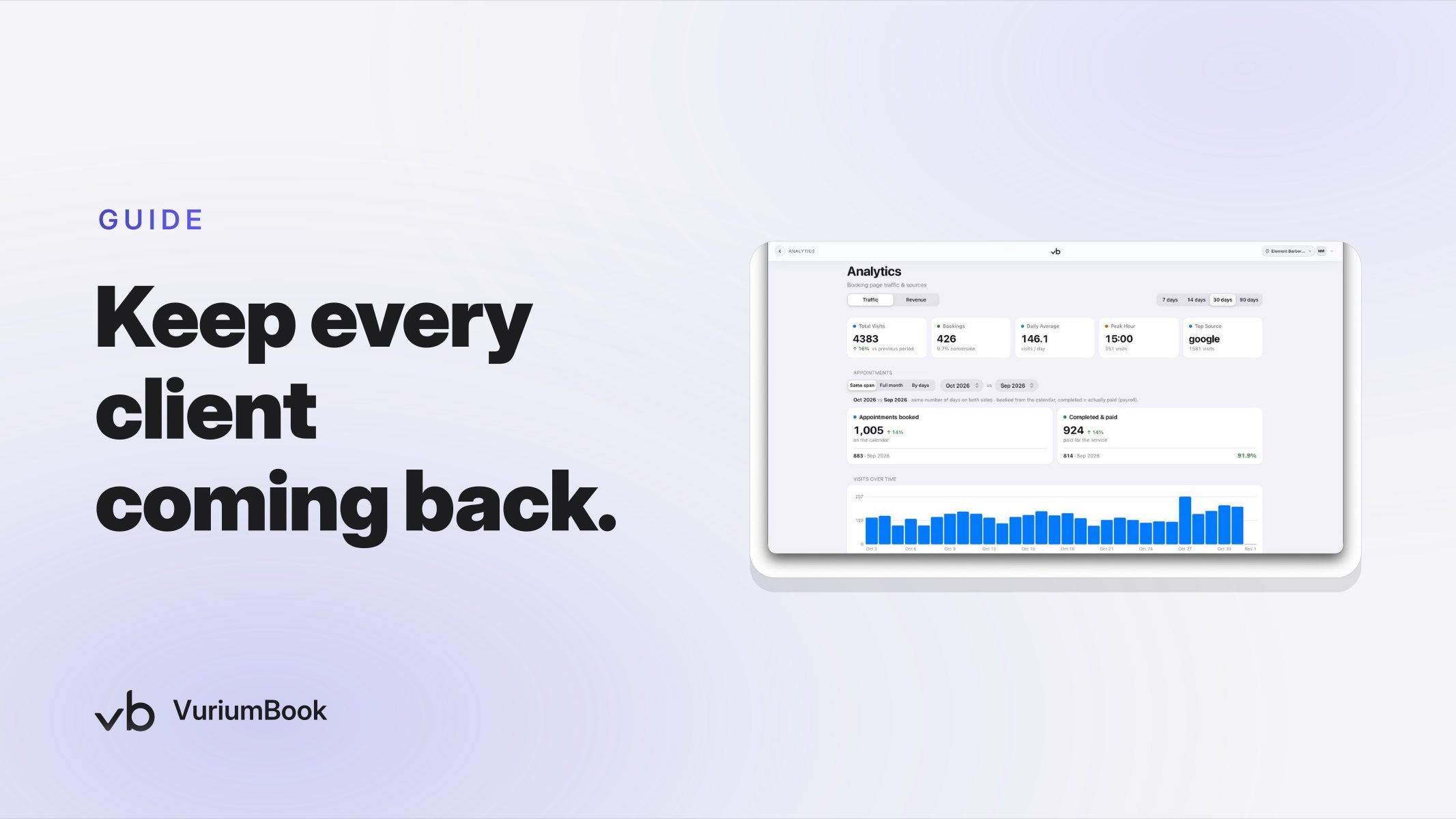
A re-engagement sequence is only useful if you know whether it worked. After your campaign wraps, use VuriumBook's analytics to measure three things: how many lapsed clients booked during the campaign window, how much revenue those bookings generated, and what the average time between Touch 1 and booking was. Those three data points tell you whether the sequence length and message timing were right, and they give you a baseline to improve against next quarter.
You do not need a complex tracking setup. A simple comparison of your dormant client list before the campaign against confirmed bookings after is enough to calculate a reactivation rate. Over time, you will also start to notice which client segment — A, B, or C — responds most readily, and you can adjust your effort accordingly.
If analytics feel like an unfamiliar starting point for your shop, the guide to barbershop client lifetime value analytics is a practical companion read that covers how to identify your most valuable clients and use that data to prioritize where re-engagement energy goes.
Turning This Into a Quarterly System, Not a One-Time Fix
The shops that see the most consistent benefit from a barbershop lapsed client follow-up system are the ones that run it on a calendar, not on impulse. Set a recurring reminder — once per quarter works well for most shops — to pull the 60-to-90-day dormant list, segment it, and run the three-touch SMS sequence.
Over time, you will notice the list getting shorter. That is a good sign: it means your retention habits — rebooking at the chair, SMS appointment reminders, strong client records — are doing their job between campaigns. The re-engagement campaign becomes a safety net that catches the clients who slip through despite those habits, not your primary retention strategy.
If you want to go further with retention, consider whether a membership program is worth adding to the mix. Clients on recurring memberships are far less likely to go dormant in the first place, and the guide to barbershop membership conversion walks through how to turn returning clients into monthly members using VuriumBook's built-in membership tools.
Getting Started Today
You do not need to wait until your campaign is perfect to begin. Open your client records right now, filter by last visit date, and write down ten names that fall in the 60-to-90-day window. Draft a single first-touch SMS message for those ten clients. Send it. See what comes back. That is a campaign — a small one, but a real one — and the data you collect from it will make the next round sharper.
If VuriumBook is not yet your shop management platform, you can explore what is available at the free trial signup page and see the full feature set at a glance through the plans and features overview. The client records and SMS reminder tools described in this guide are part of the core platform — no additional integrations required.
Every client on your dormant list represents a relationship your shop already built once. A structured, thoughtful re-engagement campaign is simply the work of rebuilding it.