How to Set Up a Barbershop Cancellation Policy That Protects Revenue
Why a Barbershop Cancellation Policy Setup Is Non-Negotiable
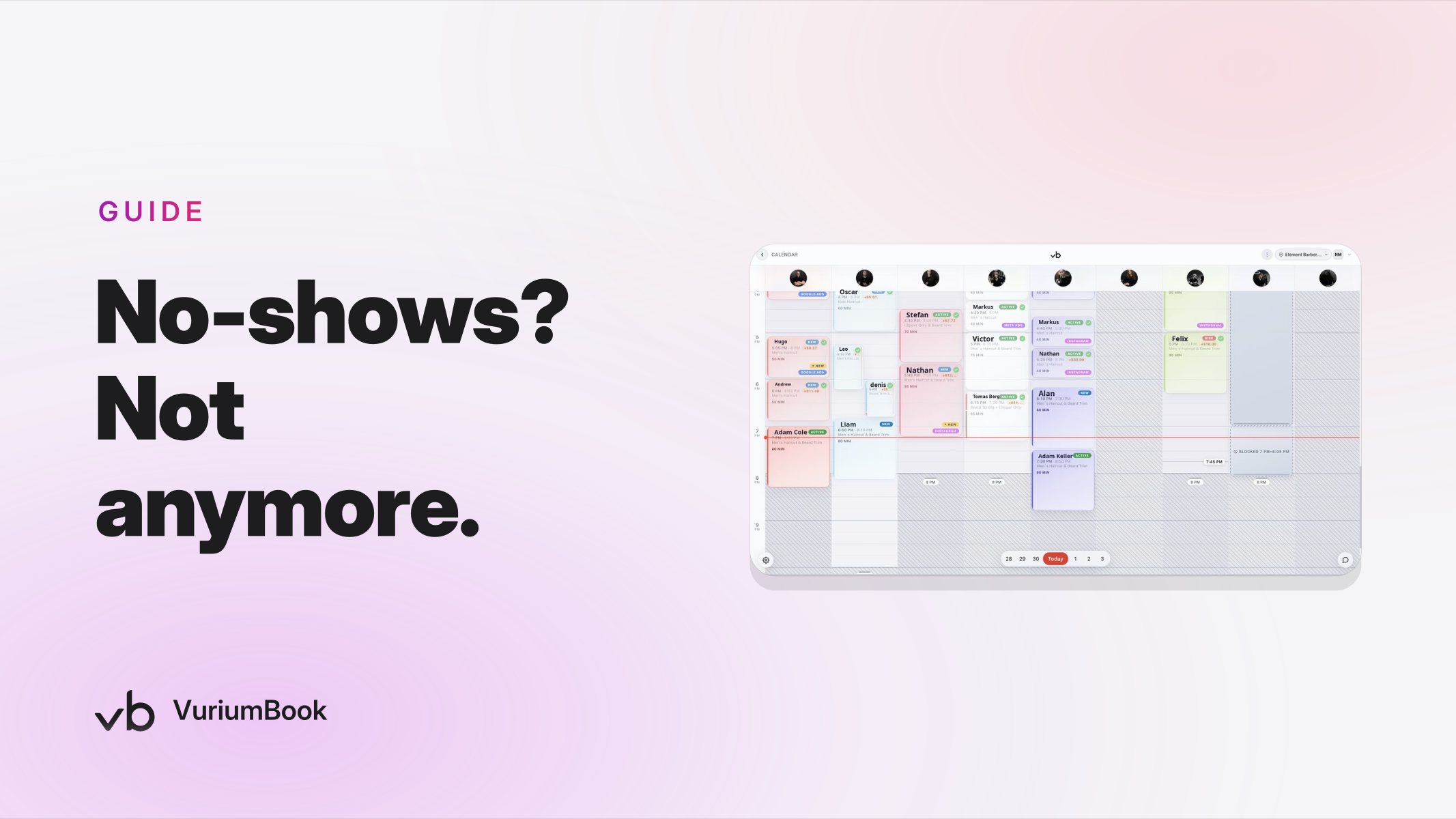
A no-show or same-day cancellation does not just leave a chair empty — it erases revenue that almost certainly cannot be recovered in time. You cannot call a client off the street on ten minutes' notice, and you have already blocked that slot for everyone else. SMS reminders and deposits are a strong first line of defense, but they only go so far. A well-designed cancellation policy with a clear time window and a defined late fee gives you a financial backstop when those tools are not enough.
This guide walks you through how to choose the right cancellation window for your shop, how to set a late-cancellation or no-show fee that is firm without driving clients away, and how to use VuriumBook's online booking and shop management tools — specifically its payments and SMS reminder features — to communicate and collect that fee automatically.
Step 1: Choose Your Cancellation Window
The cancellation window is the amount of notice a client must give before their appointment to avoid a fee. Industry guidance consistently points to three standard options: 24 hours, 48 hours, and 72 hours. Choosing the right one depends on a handful of practical factors.
24-Hour vs. 48-Hour Cancellation Window
24-Hour Window
- •Works for high-volume shops
- •easier to fill same-day via waitlist
- •lower client friction
48-Hour Window
- •Better for high-ticket or long services
- •more lead time to rebook the slot
- •suits smaller or appointment-only shops
When 24 hours is the right choice
A 24-hour window works best when your shop runs a high daily volume of shorter appointments — haircuts, lineups, beard trims — and you have an active waitlist of clients who can fill a slot on short notice. The lower friction also reduces pushback from long-standing regulars who are used to flexibility. The trade-off is that you have only one business day to replace the booking, so your waitlist and online availability need to be visible and responsive.
When 48 hours is the right choice
A 48-hour window makes more sense if your average service runs longer, your prices are higher, or your shop operates on a leaner schedule where one cancellation meaningfully dents the day's revenue. Two days of lead time gives you a realistic window to promote the open slot, reach out to waitlisted clients, and make a real attempt to fill it. Most appointment-based shops — those that do color, scalp treatments, or complex styling — land here.
When 72 hours is worth considering
A 72-hour window is less common in barbershops but can be appropriate for premium shops where services are long, heavily personalized, and priced accordingly. If a missed appointment costs you two or more hours of chair time and a meaningful portion of a barber's daily earnings, you have a legitimate reason to ask for three days' notice. Be aware that 72 hours can feel restrictive to clients who book spontaneously, so you may want to pair it with a clear and visible explanation of why the policy exists.
Step 2: Set a Late-Cancellation Fee That Makes Financial Sense
There is no universal right number, but the fee should accomplish two things: create enough financial pressure that clients take the policy seriously, and not be so punitive that it damages the relationship. Here is a practical framework for arriving at your number.
How to Calculate Your Late-Cancellation Fee
Fixed fee vs. percentage of the service
A fixed fee — say, a flat dollar amount regardless of the service booked — is simple to communicate and easy to collect. Clients know exactly what they are on the hook for when they book. A percentage of the service cost is more proportional: a client cancelling a premium service late pays more than one cancelling a basic cut. Both approaches are valid; the key is that the fee is stated clearly at the time of booking, not revealed as a surprise after a cancellation.
No-show fees vs. late-cancellation fees
These are two distinct situations, and it is worth treating them differently. A client who cancels within your window at least gives you some notice; one who simply does not appear gives you nothing. Many shops charge a higher no-show fee than their standard late-cancellation fee. Setting this distinction in your policy — and being consistent about enforcing it — sends a clear signal that communication is valued even when timing is imperfect.
Membership clients
If you run a membership program, decide in advance whether members are subject to the same policy. Some shops credit a missed appointment against the following month's visits rather than charging a separate fee, since the client is already paying a recurring amount. Whatever you decide, spell it out in the membership agreement so there is no ambiguity. For more on how memberships interact with your overall revenue setup, the guide on building a fairer barber pay structure covers how recurring revenue flows through your barbers' pay — worth reading alongside this policy work.
Step 3: Use VuriumBook's SMS and Payment Tools Together to Enforce It
Writing the policy is the easy part. Collecting the fee without an awkward phone call — and without letting it slip through the cracks — is where most shops fall down. VuriumBook gives you two tools that work together to handle this automatically.
SMS reminders as your first line of enforcement
VuriumBook's SMS reminder feature lets you send automated messages before an appointment. The most effective setup for a cancellation policy is a two-message sequence: one message sent at or just after booking that confirms the appointment and clearly states the cancellation window and fee, and a second reminder sent when the cancellation deadline is approaching. That second message — arriving 24, 48, or 72 hours before the appointment depending on your window — functions as a soft deadline notice. Clients who genuinely cannot make it have a clear prompt to act before the fee kicks in.
The reminder message should not just say the appointment time. It should name the policy explicitly: something like, "Cancellations made after [deadline] are subject to a [fee]. To cancel or reschedule, reply here or visit your booking link." Clarity at this point prevents the most common source of friction — clients who claim they did not know the policy existed.
Payments as your collection mechanism
VuriumBook's payments capability is what turns the policy from a suggestion into a real financial backstop. When a client books online, you can require a card on file or collect a deposit at the point of booking. If a late cancellation or no-show then occurs, you have a payment method already attached to the appointment and can process the fee without needing to chase the client down.
Collecting payment details upfront is not just about covering losses — it also signals to the client that the appointment is a real commitment, not a placeholder. Shops that collect a card at booking tend to see meaningfully fewer no-shows than those that do not, because the act of entering payment information raises the psychological stakes of the booking.
Putting the two tools together
The practical workflow looks like this: a client books online through VuriumBook, enters their card details or pays a deposit, and receives a booking confirmation via SMS that includes the cancellation policy. As the deadline approaches, a second automated SMS reminds them of the cutoff. If they cancel in time, no fee is charged and the slot is reopened. If they cancel late or do not show, the fee is charged to the card on file. No phone calls, no manual tracking, no awkward conversations at the chair.
This is the combination that gives the policy real teeth: the SMS sequence handles communication, and the payment integration handles collection. Neither works as well alone.
Step 4: Write the Policy So Clients Actually Read It
Even the most automated system fails if clients feel blindsided by the fee. A few principles for writing a policy that holds up:
- State it at the booking screen. Do not bury it in a terms-and-conditions paragraph. One or two plain-language sentences before the client confirms the booking is far more effective than a lengthy legal notice they will skip.
- Use specific language. "Cancellations within 24 hours of your appointment will be charged a fee" is clearer than "late cancellations may result in a charge." Vague language invites disputes.
- Repeat it in the confirmation SMS. Clients often skim the booking screen. Seeing the policy again in a text message reinforces it without requiring any extra effort from you or your staff.
- Post it visibly in your shop. For clients who book in person or by phone, a printed card at the front desk or a note on the scheduling screen removes the argument that they were never told.
- Apply it consistently. The fastest way to undermine a cancellation policy is to waive it for regulars and enforce it for new clients. Consistency makes the policy credible. It is fine to exercise genuine discretion in rare cases — a genuine emergency is different from simple forgetfulness — but the default should always be to follow the policy as written.
Step 5: Track Whether the Policy Is Working
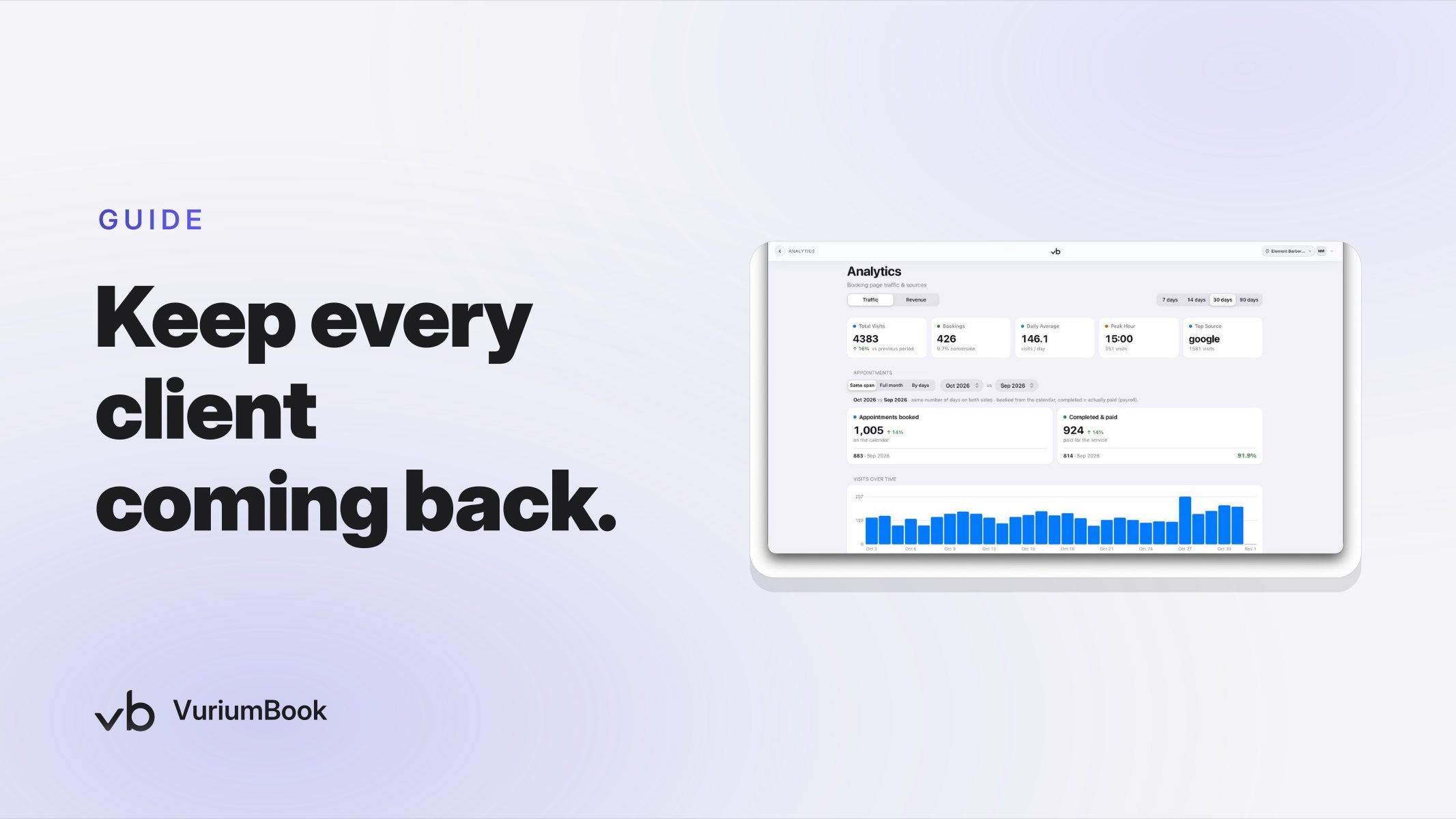
A cancellation policy is not a set-and-forget decision. After you implement it, you need to monitor whether it is actually changing behavior. VuriumBook's analytics give you the data to do this. Look at your cancellation rate by time window — are more clients cancelling before the deadline now? Are no-shows declining? Is the revenue you collect from late fees meaningful relative to the revenue you are still losing to last-minute gaps?
If the policy is not moving these numbers after a few weeks, there are usually two causes: the fee is not high enough to create real financial pressure, or the window is too short to give you time to fill the slot. Adjust one variable at a time and measure again. Treat this as an ongoing calibration rather than a one-time setup.
Your analytics can also surface patterns — which days of the week see the most cancellations, which barbers have the highest no-show rates among their clients — that help you make scheduling decisions beyond just the policy itself. If you want a deeper look at how to read your shop's revenue data, the barbershop revenue reporting guide is a practical next step.
Common Objections — and How to Handle Them
You will hear pushback. Here is how to think through the most common objections before they come up.
- "My regulars will leave if I charge them." Loyal clients who give advance notice will never pay the fee. The fee only applies to clients who cancel late, regardless of how long they have been coming to you. A good client who communicates will never feel this policy.
- "It feels aggressive to charge a fee." Consider the alternative: a barber who sat in the shop for an hour with no revenue, with no warning. A cancellation fee is not punishment — it is compensation for real, documented lost income. Framing it that way, both internally and to clients, helps.
- "What if they had a genuine emergency?" Apply discretion rarely and intentionally. If a client has a documented emergency and has always been reliable, waiving the fee once is reasonable. Waiving it regularly because you feel uncomfortable collecting it defeats the purpose of the policy entirely.
Getting Started
The autumn season often brings a pickup in bookings as summer schedules settle down — a practical moment to put a cancellation policy in place before the busier months ahead. If you are not yet using an online booking platform that supports payments and automated SMS reminders, those are the two capabilities that make a cancellation policy enforceable without adding manual work to your team's day.
You can explore how VuriumBook handles both in one place at VuriumBook plans and features, or start a free trial and build out your booking page, SMS sequence, and payment collection in a single setup session. The policy you write today is only as strong as the system behind it.