How to Use Prepayment Holds to Protect Your Barbershop from Risky Clients
Why a Targeted Barbershop Prepayment Hold for No-Show Clients Beats a Blanket Deposit
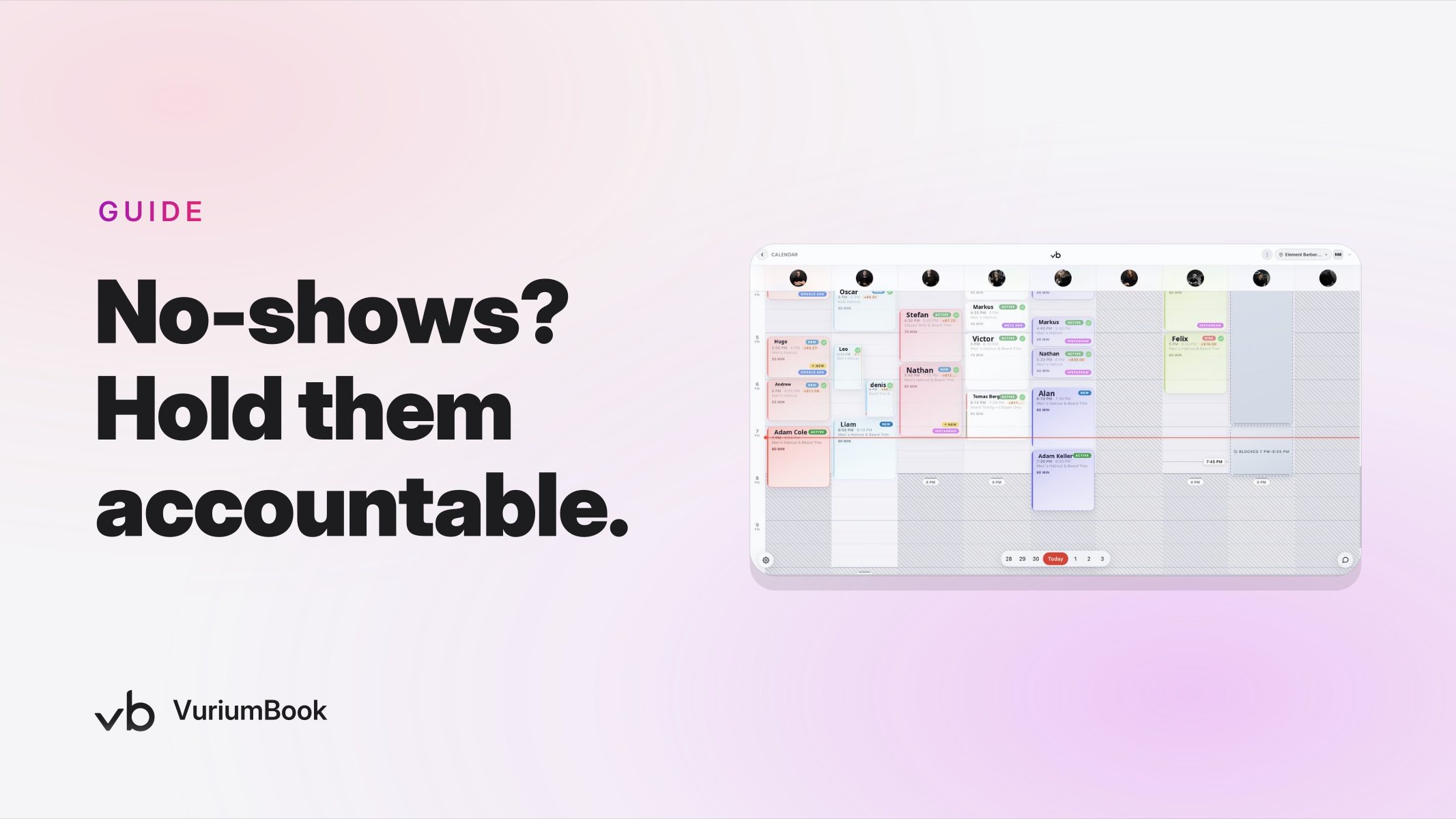
A barbershop prepayment hold for no-show clients sounds straightforward — collect payment information at booking and protect the chair if the client ghosts you. But how you apply that hold makes all the difference. Require it from every client on every booking and you risk alienating the reliable regulars who have never caused you a problem. Apply it only to the clients whose records justify it, and you get the protection you need without the friction.
According to industry research, no-show rates in salons and barbershops can range from roughly 10 to 30 percent, and the cumulative annual loss can climb as high as $67,000 in chair time (WaitQ, 2025). That number alone tempts many owners into a blanket deposit policy. But a client who has booked with you twenty times without a single problem will notice being asked for a hold — and may feel penalized for behavior they have never shown.
The smarter path is a targeted prepayment hold strategy: apply the requirement to the clients whose records show a pattern of last-minute cancellations or no-shows, and leave your reliable regulars alone. VuriumBook's client records and prepayment holds feature — released in version 2.1 — makes this targeted approach practical to set up and easy to maintain.
Step 1 — Identify Risky Clients Using Client Records
Before you can apply holds selectively, you need a clear picture of who actually no-shows. VuriumBook stores a booking history for every client in its client records, giving you the raw material to make that call.
Start by reviewing client records for the following patterns:
- Repeated no-shows: any client who has failed to appear for an appointment without contacting the shop beforehand, more than once.
- Same-day cancellations: clients who cancel within hours of their appointment, making it difficult to fill the slot from the waitlist.
- Last-minute rescheduling combined with eventual cancellation: a pattern where a client moves the appointment once or twice and then drops it entirely.
- Long gaps after a missed appointment: clients who no-show and then rebook weeks later without acknowledgment — a sign the behavior is habitual rather than situational.
You do not need a sophisticated formula. A simple threshold — two or more incidents in the past few months — is enough to flag a client for a deposit requirement. The goal is to act on evidence, not suspicion.
Identifying Risky Clients in Records
Step 2 — Set Up a Prepayment Hold for Those Clients Specifically
Once you have identified the clients whose history warrants extra protection, VuriumBook's prepayment holds feature lets you require a hold on a client-by-client basis. This is the key advantage of a targeted approach: the hold is attached to the client profile, not to your entire booking page.
When a client with a prepayment hold books an appointment, VuriumBook collects the payment information and places a hold at the time of booking. The hold protects the slot and ensures that if the client no-shows or cancels inside your stated window, you have a mechanism to recover the cost of that chair time. The broader online booking page setup stays the same for everyone else — only the flagged clients encounter the additional step.
A few practical decisions to make before you turn this on:
- How large should the hold be? It should be meaningful enough to discourage a no-show but not so large that it creates a payment dispute. A hold equal to the service price, or a fixed portion of it, is a reasonable starting point.
- What is your cancellation window? Decide how many hours before the appointment a client can cancel without forfeiting the hold. A window of 24 to 48 hours gives clients a fair chance to reschedule while protecting peak slots.
- Who on your team applies the flag? Assign one person — typically the owner or manager — to review records and update client profiles consistently. Inconsistent application undermines the policy and can create friction with clients who feel singled out unfairly.
Setting Up a Targeted Prepayment Hold
Step 3 — Communicate the Policy Without Losing Good Clients
How you introduce a prepayment hold matters almost as much as the mechanics of setting it up. A client who receives a sudden payment prompt at booking with no explanation is likely to feel blindsided. A client who has been told in advance — and understands why — is far more likely to follow through.
Use VuriumBook's SMS reminders and team messaging tools to handle this communication proactively. Consider the following approach:
- Send a direct message before the client tries to rebook. Keep it brief and factual: you have noticed a few missed appointments, a prepayment hold will now be required for future bookings, and you look forward to continuing to serve them. No lecture, no list of their offenses.
- Include the cancellation window in the message. Telling a client upfront that they can cancel free of charge up to 24 hours before their appointment removes the sense that the hold is a trap.
- Use your shop's own voice. A message that sounds like your shop — warm, direct, professional — lands better than boilerplate. VuriumBook's team messaging lets your front-of-house staff or the owner send this kind of communication without leaving the platform.
If a flagged client pushes back, be ready with a clear, honest response: the hold protects time that could have been given to another client. Most people understand this when it is explained calmly. A small number may choose not to return, and that is a business decision you can weigh against the chair time they regularly cost you.
Managing the List Over Time
A prepayment hold is not meant to be permanent. The goal is to change behavior, not to permanently penalize a client. Build a review habit into your schedule — once a month or once a quarter — to look at how flagged clients have behaved since the hold was applied.
If a client books and shows up reliably for two or three appointments after the hold is set, consider removing it. This gives the policy a sense of fairness and creates an incentive for the client to follow through. VuriumBook's client records make it straightforward to track this progress without relying on memory or paper notes.
On the other side, if a client no-shows even with a hold in place and disputes the charge, that is a signal that the relationship may not be worth maintaining. Your analytics can help you see whether a particular client has ever generated consistent value for the shop, which makes that decision easier to make on the basis of data rather than emotion. For a deeper look at how client-level data supports decisions like these, the service performance analytics guide covers how to read client and barber data together.
What About the Rest of Your No-Show Protection Strategy?
Prepayment holds for risky clients work best as one layer of a broader approach, not as a standalone fix. Automated SMS reminders — sent to all clients, not just flagged ones — reduce no-shows across the board by keeping appointments top of mind. VuriumBook's SMS reminder system handles this automatically so your team does not need to chase confirmations manually.
Your waitlist is another tool worth pairing with holds. When a flagged client cancels inside the hold window, VuriumBook's waitlist can surface clients who are ready to take that slot, turning a potential revenue loss into a filled chair. This combination — targeted holds, consistent reminders, and an active waitlist — covers the full range of no-show scenarios your shop is likely to face.
If you are building out the rest of your shop management systems alongside this, VuriumBook's online booking and shop management platform brings scheduling, client records, payments, and communications into one place so these tools reinforce each other rather than operating in isolation. You can start a free trial to see how the prepayment holds feature fits alongside the rest of the platform before committing.
The Bottom Line
Targeted holds — applied to the clients whose records justify them, communicated clearly, and reviewed regularly — protect your revenue with far less collateral damage than a blanket deposit policy. The work starts in your client records. Spend thirty minutes this week reviewing booking histories for the patterns described above. Identify the handful of clients who consistently cost you chair time, set the hold, send a straightforward message, and let VuriumBook handle the mechanics from there. That small investment of time now will pay off every time one of those clients books — whether they show up or not.