Pre-Fill Your Barbershop Schedule Every Sunday Using Client Records

Why Proactive Barbershop Schedule Planning with Client Records Changes Everything
Most shop owners manage their schedule the same way every week: they open the calendar on Monday morning, see the gaps, and hope clients fill them in. A cancellation pops up mid-week and they scramble. A slow Thursday arrives and nothing can be done about it. This reactive posture is normal — but it is also quietly costly.
The better approach is to treat your weekly schedule the way a restaurant treats a dining room: you know roughly how many covers you need to hit your revenue target, you know which regulars come back on a predictable cycle, and you fill the room before service starts — not during it. VuriumBook's calendar and client records make that same discipline practical for a barbershop or salon, even if you are running a small team.
This guide walks through a repeatable Sunday-night process for proactive barbershop appointment scheduling — using data you already have in the system to block-fill the coming week before a single appointment is lost.
Step 1: Pull Up Your Client Records and Look for the Obvious Gaps First
Open VuriumBook's client records and sort your active clients by last visit date. Anyone who visited three or four weeks ago and typically comes in on a monthly cycle is overdue — or will be overdue by the time the new week ends. These are not cold leads; they are warm clients who have already demonstrated loyalty. The only thing standing between them and a booking is a nudge.
Look at each overdue client's record for two things: the services they usually book and the time slots they tend to prefer. Client records store this history. A client who consistently books a fade on Saturday mornings is far more likely to respond to a Saturday morning opening than a generic midweek slot. Match the outreach to the pattern, not just the gap in the calendar.
Sunday Night Schedule Fill Process
Step 2: Use Visit Frequency Patterns to Predict Who Will Book
Not every client visits on the same cycle. Some come in every two weeks for a tight fade. Others stretch to six or eight weeks. Your client records capture this implicitly through visit history. Before you reach out to anyone, invest a few minutes grouping your active clients into rough frequency tiers: high frequency, moderate frequency, and occasional.
High-frequency clients are your most predictable revenue. If a client has come in every two weeks for the past several months, you can reasonably expect them to need an appointment in the coming week. If they do not already have one on the calendar, that is a gap worth closing tonight rather than waiting for them to self-book. Moderate-frequency clients — those on a monthly or six-week cycle — should be reviewed week to week. Occasional clients are lower priority for a Sunday-night outreach push, though they matter for longer-term retention planning.
This kind of pattern reading does not require complicated analytics. It requires looking at what VuriumBook already stores and drawing a simple conclusion: if the gap between their last visit and today equals or exceeds their usual interval, the week you are planning is the right week to reach them.
Step 3: Match Open Slots to Specific Clients — Not the Other Way Around
A common mistake when trying to fill a schedule proactively is to blast a generic "we have openings" message to everyone and hope something sticks. This works occasionally, but it wastes the specificity you already have in your records and it trains clients to wait for discounted or desperation outreach rather than booking on their own initiative.
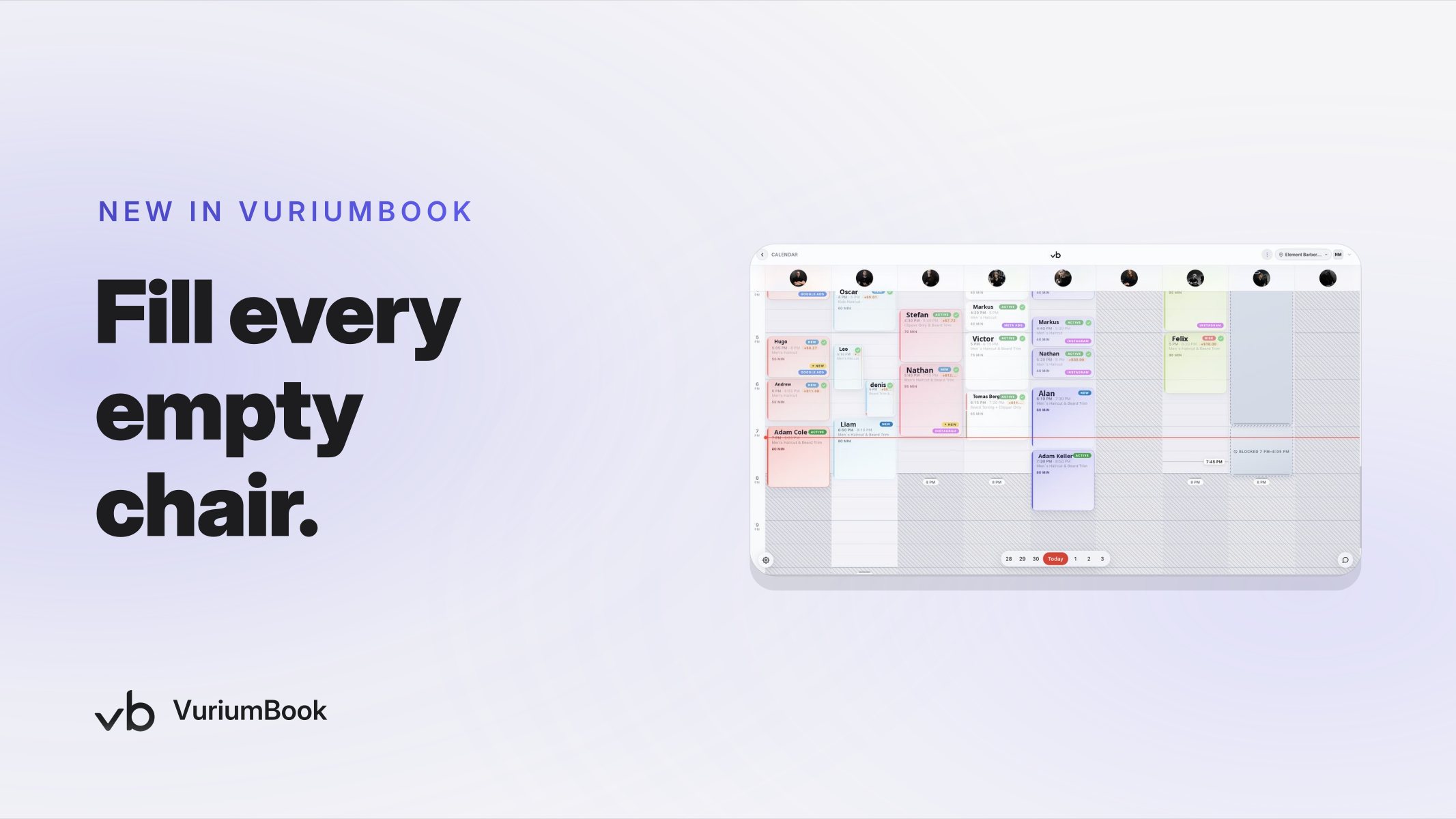
Instead, look at the open slots in your calendar first — not all of them, just the ones you most want filled — and then identify which clients from your records are a natural fit for each slot based on their service history and preferred visit times. You are making a targeted match, not a broadcast.
With VuriumBook's SMS tool, you can send a short, personal-feeling message: something that references the service they usually book and proposes a specific time. A message that says "Your usual appointment slot on Thursday at 4 PM is open this week" lands very differently from "We have availability — book now." The first feels attentive. The second feels like marketing.
Sunday Schedule Review: Do This, Avoid That
Step 4: Pull the Waitlist Into Your Sunday Review
VuriumBook includes a waitlist feature, and it belongs in your Sunday-night process. Any client sitting on the waitlist has already signaled that they want to come in — they are warm by definition. Before you leave the calendar for the week, check whether any waitlisted clients can be moved into openings that your targeted SMS outreach has not yet filled.
The waitlist is especially useful for filling slots that are harder to fill through frequency-based outreach: off-peak hours, mid-afternoon on a weekday, or openings created by a same-week cancellation you have already processed. A client who asked to be waitlisted for Thursday has already told you they are flexible. Moving them in costs a single SMS confirmation and keeps a slot from going empty.
Think of the waitlist as a secondary fill layer — not a replacement for proactive outreach to existing clients, but a reliable backstop that prevents the gaps from sitting open until Monday.
Step 5: Set a Weekly Revenue Target Before You Start Filling Slots
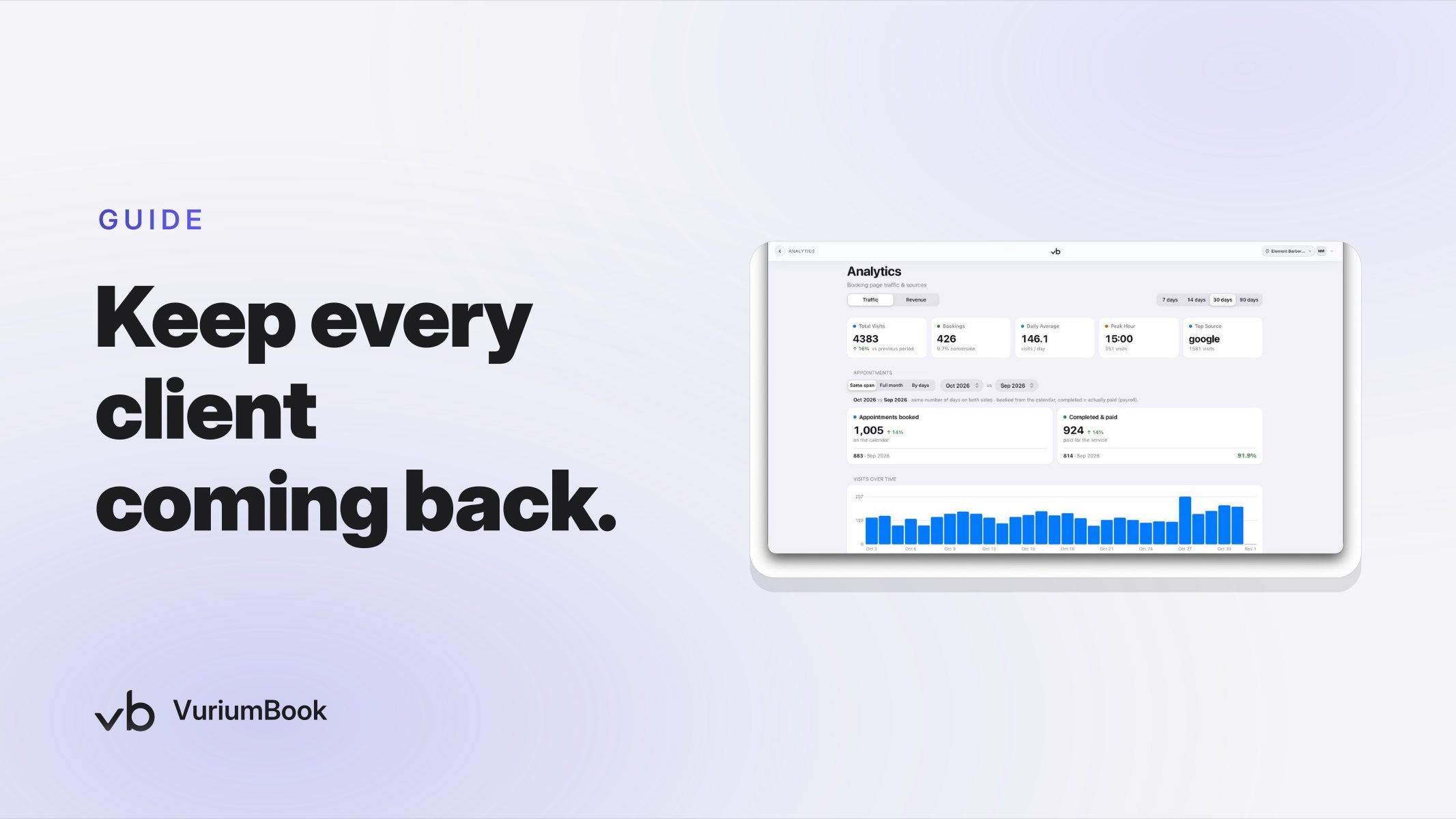
One reason this process works better than reactive scheduling is that it gives you a number to aim at before the week begins. Look at your analytics in VuriumBook to understand what a strong week looks like for your shop in terms of total appointments and services rendered per barber. Then use that benchmark as the target your Sunday-night fill session is trying to hit.
This reframes the entire exercise. Instead of trying to fill gaps because gaps feel bad, you are filling slots to reach a specific revenue objective. That mental shift matters because it tells you when to stop: once the calendar reflects a realistic path to your target, the work is done. You do not need to obsess over every last opening — you need enough confirmed appointments to make the week viable before it starts.
If you are building out your analytics process alongside your scheduling routine, the Barbershop Revenue Analytics Dashboard guide covers how to read your data and catch revenue dips before they turn into a bad month.
How the Calendar and Client Records Work Together in VuriumBook
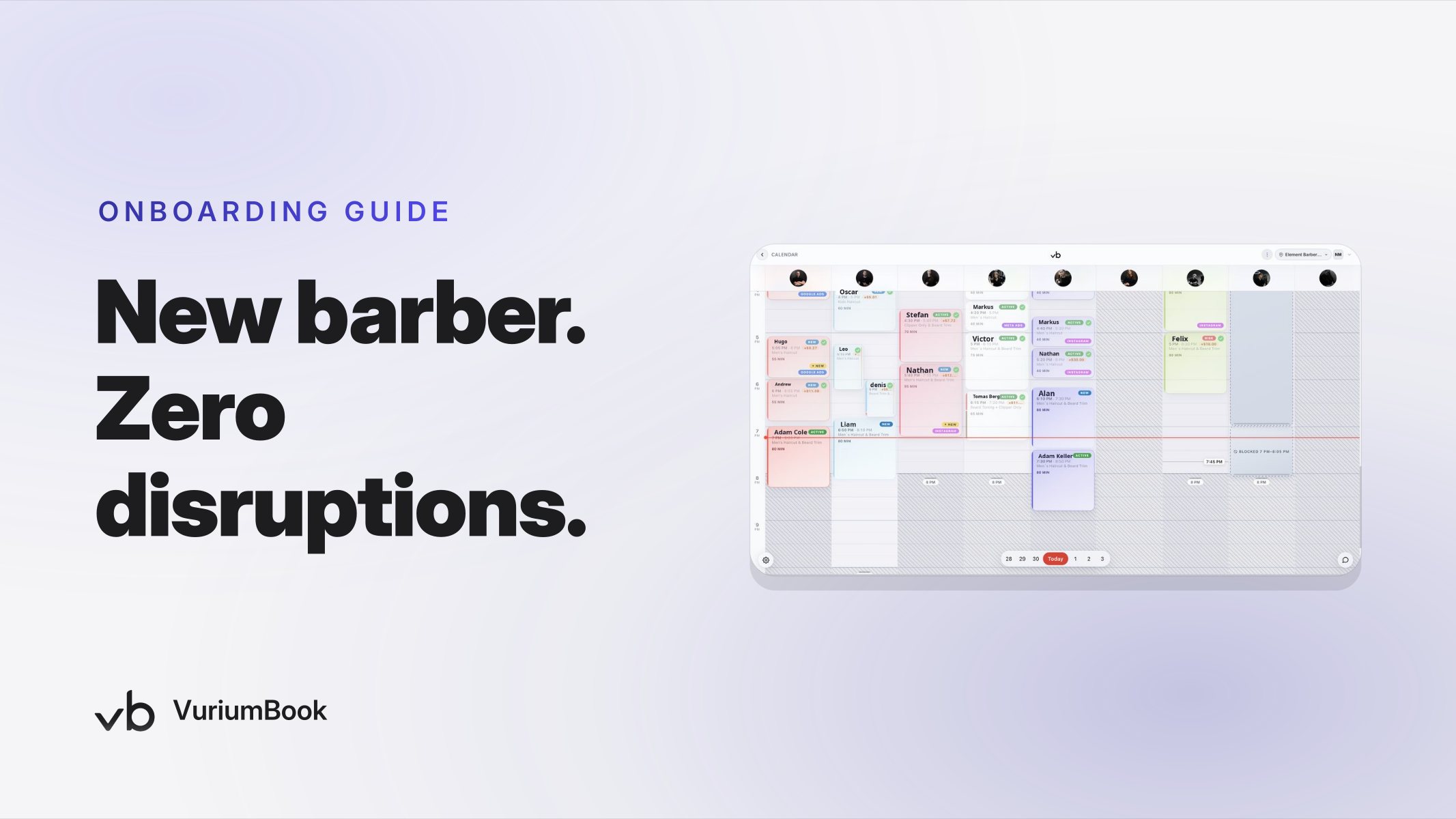
The reason this process is practical rather than theoretical is that VuriumBook stores both the scheduling view and the client history in one place. You do not need to export data, cross-reference a spreadsheet, or guess at who books what. The client record captures visit history, service preferences, and contact information. The calendar shows you exactly where the open slots are and which barbers have availability. Moving between the two is the core mechanic of the Sunday fill session.
For shops that have also set up SMS reminders, those automated messages run independently of the manual outreach described here. Automated reminders are valuable for reducing no-shows on appointments already booked. The Sunday process described in this guide is about creating the bookings in the first place — filling the calendar before it needs protecting. Both functions complement each other rather than overlap. For more on building a strong client record foundation that supports this kind of work, see the guide on building and managing a barbershop client database that drives repeat visits.
Making the Sunday Habit Stick
The challenge with proactive barbershop calendar management is not complexity — it is consistency. The process described here takes less time each Sunday as you get familiar with your client patterns. The first few sessions will feel slower because you are building the habit of reading the records rather than just reacting to what the week brings. Within a few weeks, you will recognize your high-frequency clients on sight and know which slots are historically hardest to fill before you even open the calendar.
A few practices help the habit stick:
- Set a fixed time. Sunday evenings work well because the week has not started and you have a clear head. Pick a window — even thirty minutes — and treat it as a standing appointment with your own business.
- Keep a short list of your top clients by frequency. Your client records hold this data, but having a mental or written shorthand of your ten or fifteen most reliable clients makes the outreach portion faster.
- Track what fills and what does not. Over time, you will notice which types of outreach — which slot times, which services — produce the highest response rate. That pattern improves the process without requiring any formal analysis.
- Use team messaging to coordinate. If you have multiple barbers, share the week's fill status with the team before Monday morning. VuriumBook's team messaging keeps everyone aligned without a group text thread that gets ignored.
Autumn is a natural time to sharpen this habit. Client routines tend to settle after summer, and regulars who may have skipped visits or traveled in July and August often return to a more predictable schedule starting in September. That predictability makes visit-frequency data more reliable — and makes the Sunday fill session more productive — right now than it was three months ago.
Start the Week With a Schedule You Built, Not One That Happened to You
The difference between a full week and a gap-filled one is rarely luck. It is usually whether the shop owner took thirty minutes the night before to look at who was overdue, match them to open slots, and send a targeted message before Monday morning arrived. VuriumBook's calendar and client records give you everything you need to do exactly that.
If you are not yet using a platform that keeps client history and scheduling in the same place, start a VuriumBook free trial and run your first Sunday fill session within a week. If you are already set up and want to see everything the platform covers, review the full plans and features to make sure you are using the tools available to you.
A proactive schedule is a managed revenue target. Build it before the week starts, and you stop reacting — and start running the shop.