Barbershop Barber Time-Off Scheduling Software: Manage Absences Without Losing Bookings
The Operational Blind Spot Most Barbershop Owners Miss
Every barbershop guide talks about filling chairs. Very few talk about what happens when one of your barbers is out — on vacation, sick, or taking a personal day — and clients keep trying to book that empty chair. Without a deliberate system, those appointments either quietly disappear or land in the wrong place, and the revenue walks out the door before you even notice it's gone.
Reliable barbershop barber time-off scheduling software solves this at the calendar level, but the real work happens in three connected layers: blocking the unavailable time correctly, surfacing available alternatives to clients in that same moment, and reaching out to regulars proactively so they rebook with someone else instead of drifting to a competitor. VuriumBook's calendar and client records handle all three — here is exactly how to use them together.
Why This Problem Is Bigger Than It Looks
A single barber taking a week off sounds minor. In practice, it creates a chain of smaller problems that compound quickly. Clients who book online and hit a wall of unavailability often do not wait — they search elsewhere. Clients who show up expecting their regular barber and find a surprise gap leave frustrated, and frustrated clients rebook less reliably. Meanwhile, your remaining barbers may have open slots that could absorb some of that demand, but only if clients know those slots exist.
The fix is not simply closing off days on the calendar and hoping for the best. It is a proactive sequence: block accurately, redirect automatically, and communicate early. Each step removes a different leak from the system.
Time-Off Management Sequence
Step 1 — Block the Calendar Accurately Before Anyone Books
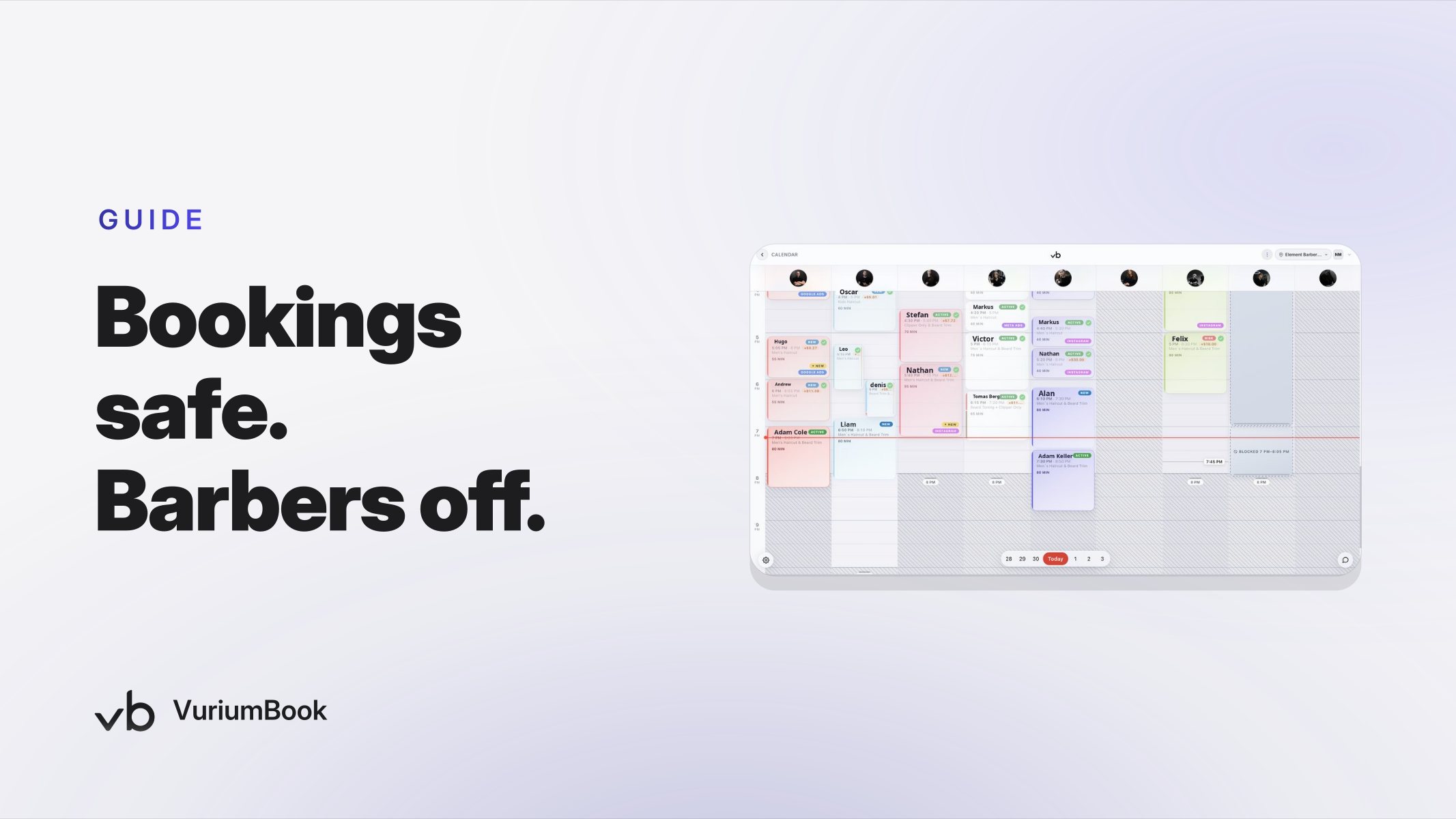
The moment a barber confirms time off, your first action is to close those slots in VuriumBook's calendar. Do not wait until the day before. Clients book ahead, and every hour a slot stays open is an hour a client can claim it and then face a last-minute cancellation — which is far more damaging to trust than a slot that was never available in the first place.
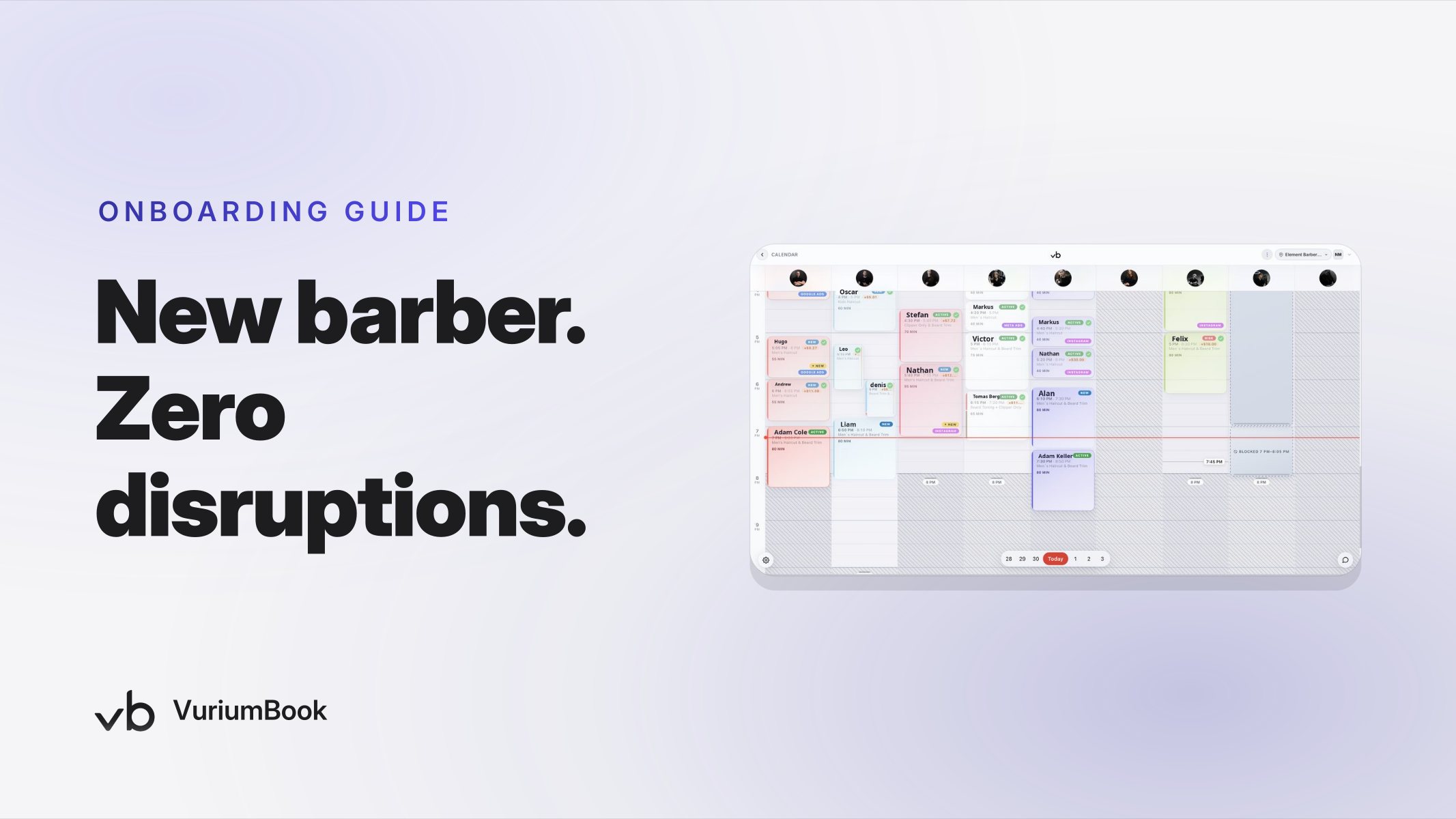
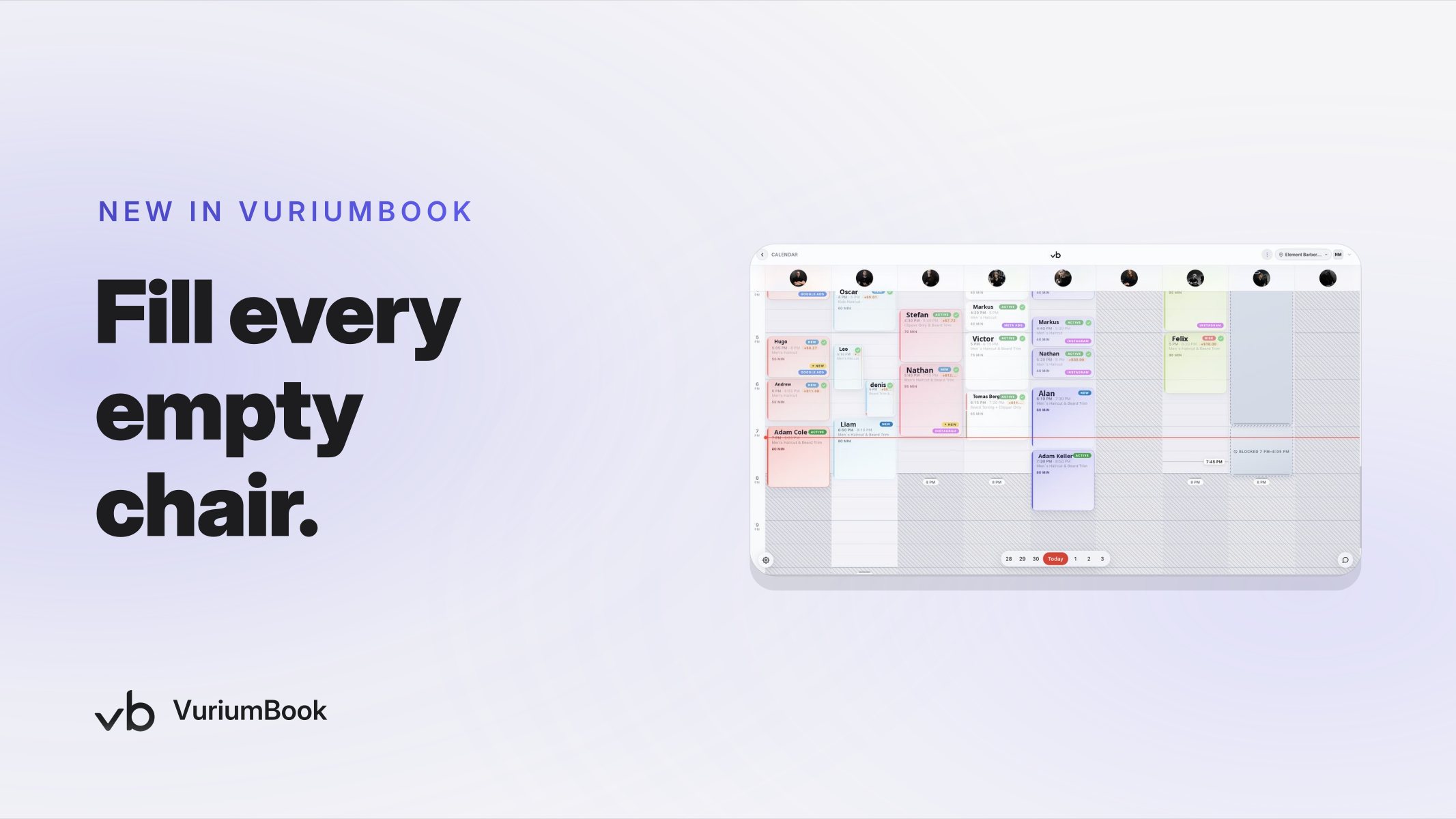
In VuriumBook, each team member has their own schedule layer inside the shared calendar. You can block individual days, partial days, or recurring windows directly on that barber's profile without affecting anyone else's availability. This is the core function of a proper barbershop calendar blocking tool: one barber's block does not create confusion across the whole team view. The owner and admin can see the full picture — who is in, who is out, and which chairs have open capacity — while clients only see what is genuinely bookable.
A few practical tips for blocking accurately:
- Block the full window, not just appointment slots. If your barber is off from Thursday morning through Sunday night, block the entire stretch, including any gap times that might look bookable on a partial view.
- Block as soon as the request is approved. Make this a habit, not an afterthought. Ownership of this step should be clear — either the owner does it or the admin does, but not both assuming the other will handle it.
- Double-check recurring appointments. If a client has a standing weekly appointment with that barber, a one-time block will not automatically cancel it. Pull up the barber's upcoming schedule in the calendar view and handle those individually.
Step 2 — Use Client Records to Find Who Is Affected
Once the calendar is blocked, shift to your client records. This is where barber availability management moves from reactive to proactive. VuriumBook stores each client's appointment history tied to the barber they saw, which means you can quickly identify every client who has an upcoming booking with the barber who is going out, as well as regulars whose next visit window falls during the absence.
Work through the affected client list in two passes:
- First pass — confirmed bookings in the blocked window. These clients have a specific appointment that now needs to be addressed. They are your highest priority because they are already committed and expecting a visit.
- Second pass — frequent regulars whose pattern puts them in the window. A client who books every three weeks may not have an appointment on the calendar yet, but their next natural visit falls during the absence. These clients are likely to try to book and hit the block, or simply not book and start drifting.
Client records give you the information you need to reach out to both groups before they experience the problem themselves. That shift — from reactive to proactive — is what separates shops that protect revenue during staff absences from shops that only discover the damage afterward.
Client Records Review Checklist
Step 3 — Reach Out Early and Offer a Clear Alternative
Knowing who is affected is only useful if you act on it. Once you have your list, use VuriumBook's SMS tools to send a short, direct message to each affected client. The message should do three things: acknowledge the situation honestly, give them a specific alternative, and make rebooking as frictionless as possible.
A practical message structure looks like this: tell the client their appointment needs to move, name one or two available barbers who can handle their service, and include a direct link to your online booking page so they can rebook immediately without calling in. Keep the tone warm but simple. Clients appreciate being told early, and they respond well when the path forward is obvious.
A few points to get right here:
- Be specific about alternatives. "Another barber is available" is less effective than naming the barber and mentioning their open slots. Specificity removes friction.
- Send early enough to matter. A message sent three days before the appointment gives the client time to rebook. A message sent the morning of does not.
- Prioritize your high-frequency clients. Clients who visit most often are your steadiest revenue. A lost booking from a weekly regular is more costly than a lost booking from someone who visits twice a year. Reach out to frequent visitors first and give them first pick of the available slots.
For clients you want to understand more deeply before reaching out, the Barbershop Client Lifetime Value Analytics guide walks through how to identify which clients represent the most value to your shop over time — useful context for deciding where to focus your outreach energy.
Step 4 — Let the Waitlist Work During the Absence
Even with proactive outreach, some clients will decline to rebook or will want to wait for their regular barber. That is fine. But it means you will also have clients from that barber's list who free up a slot — and separately, clients on your waitlist who have been waiting for exactly that opening.
VuriumBook's waitlist lets you capture demand that cannot be served immediately and then fill it when a slot opens. During a staff absence, this becomes a two-sided opportunity: clients who cancel create space, and waitlist clients fill that space. The key is keeping the waitlist active and reviewing it whenever a cancellation comes in, rather than letting open slots sit idle.
Assign someone — the owner, the front-desk admin, or whoever manages scheduling — to check the waitlist at the start of each day during the absence. When a slot opens, reach out to the next waitlist client through SMS and offer the slot directly. A fast, personal message converts far better than a generic notification left for the client to discover on their own.
Step 5 — Review What Actually Happened After the Barber Returns
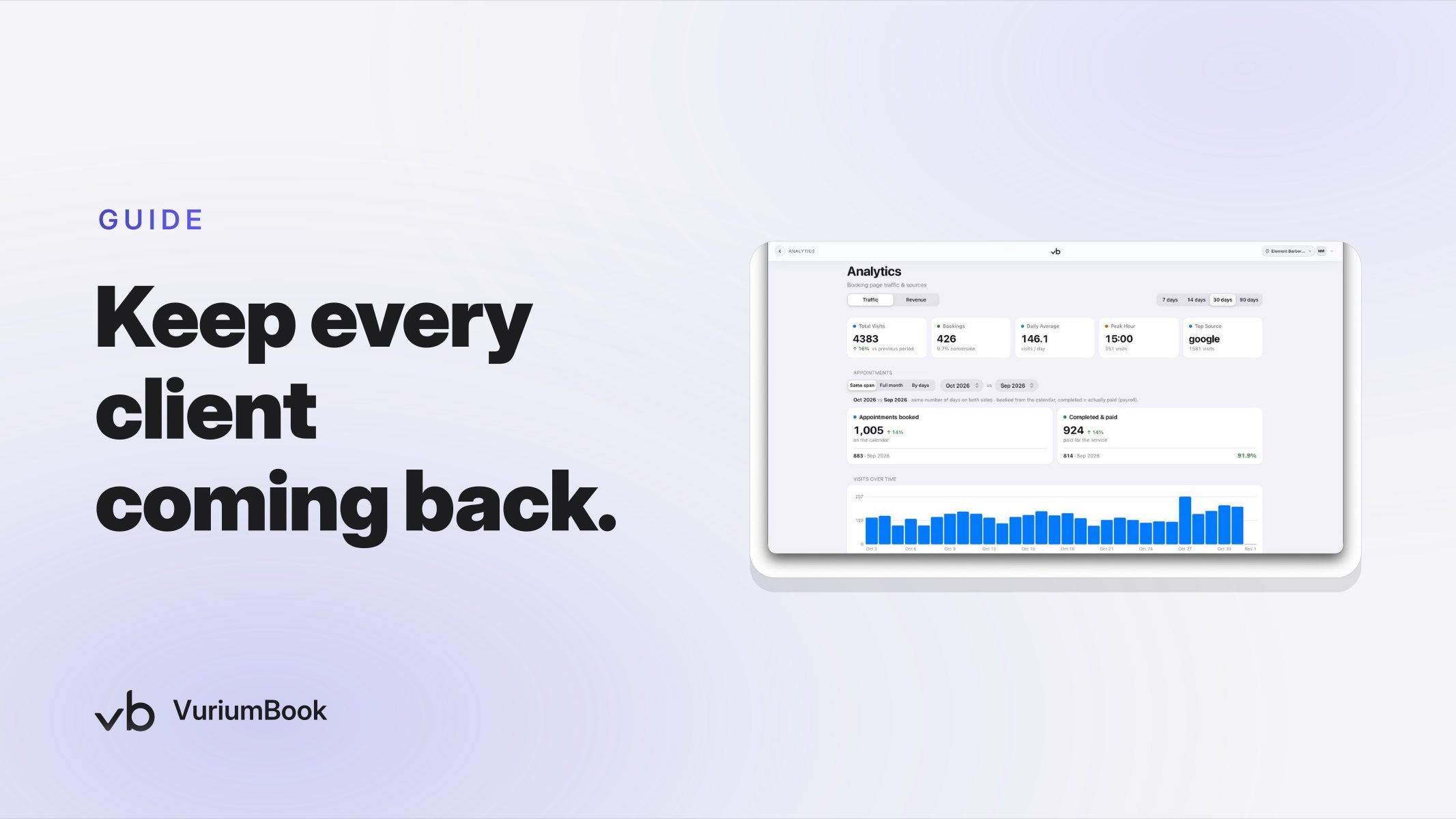
The last step most shops skip is the debrief. When your barber comes back, pull the analytics for the period they were out. Look at how many of their clients rebooked with another barber, how many are still unbooked, and whether any are showing signs of not returning.
Clients who rebooked successfully during the absence are a good outcome — they stayed in the shop. Clients who did not rebook at all represent a potential retention risk. Use client records to identify that second group and send a short re-engagement message now that their regular barber is back. Something as simple as letting them know their barber has returned and inviting them to book their next appointment can recover clients who would otherwise slip away quietly.
If you find a pattern of client loss during absences, that is a signal to tighten the process for next time — blocking earlier, reaching out sooner, or making the alternative options more visible on your booking page. The analytics and client records give you the data to make that judgment. For a broader approach to recovering clients who have gone quiet, the re-engagement campaign guide covers the full process.
Building the Habit Into Your Shop's Routine
The shops that handle barber absences well are not doing anything magical. They have simply made the process a habit with a clear owner. Every time a time-off request is approved, the same sequence runs: block the calendar immediately, pull the affected client list, send outreach, activate the waitlist, and review afterward. That discipline, built into how the shop operates, is what keeps bookings from quietly disappearing every time a barber takes a week off.
VuriumBook's calendar and client records are designed to make each step in that sequence faster and more accurate than doing it by hand. The calendar gives you a clean view of actual availability across the whole team. The client records give you the history and contact information to reach the right people at the right time. And the SMS tools let you act on that information without delay. Used together, they close the operational blind spot that costs most barbershops revenue they never fully account for.
If you want to see how the platform handles scheduling, client records, and team management in a single workflow, explore VuriumBook's full feature set or start a free trial to walk through the calendar setup with your actual team.